Changing Block Base Points in ACTCAD
The CHBLOCKBASEPOINT command in ACTCAD changes a block’s base point, improving alignment, insertion accuracy, and drawing consistency and drawing consistency.
Read article26 articles on customization.
The CHBLOCKBASEPOINT command in ACTCAD changes a block’s base point, improving alignment, insertion accuracy, and drawing consistency and drawing consistency.
Read articleLearn how to use the CENTERMARKSET command in ACTCAD to add center marks to circles and arcs, improve drawing clarity, and accurate dimensioning.
Read articleLearn how to use the AREATEXT command in ActCAD to calculate and display area measurements of closed entities like polylines, circles, and hatches with ease.
Read articleLearn how to use the BREPLACE command in ACTCAD to replace multiple blocks at once, boost productivity, ensure uniform design, and streamline your CAD workflow.
Read articleLearn how to use the AIDIMSTYLE command in ACTCAD to create, modify, and manage dimension styles for precise and consistent CAD annotations.
Read articleLearn to use MKSHAPE in ACTCAD to create reusable custom shapes from drawing entities. Enhance performance, reduce file size, and streamline your CAD workflow.
Read articleLearn how to use the MKLTYPE command in ACTCAD to create custom linetypes from text, shapes, and lines. Perfect for architects, engineers, and CAD professionals
Read articleLearn Multi-Point Image Rectification in CAD with this step-by-step guide. Includes visuals for each step. Ideal for mapping, alignment, and accurate grid.
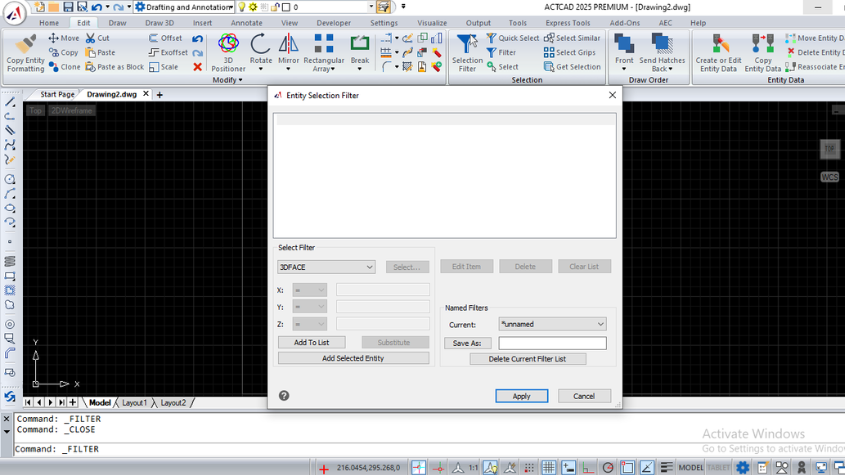
Read articleMaster the ACTCAD Selection Filter to create custom entity selection sets using logical operators and save filters for efficient reuse in drawings.
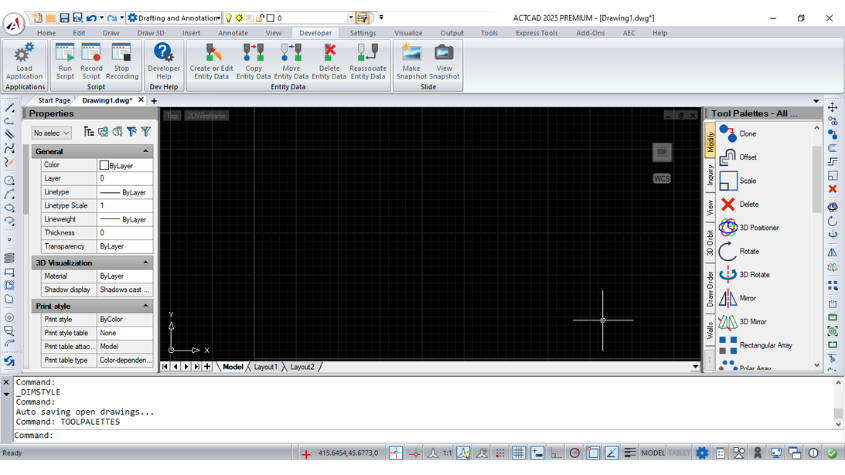
Read articleCustomize and organize tool palettes in ACTCAD to access blocks, hatch patterns, and commands efficiently. Export, import, and group palettes for flexibility.
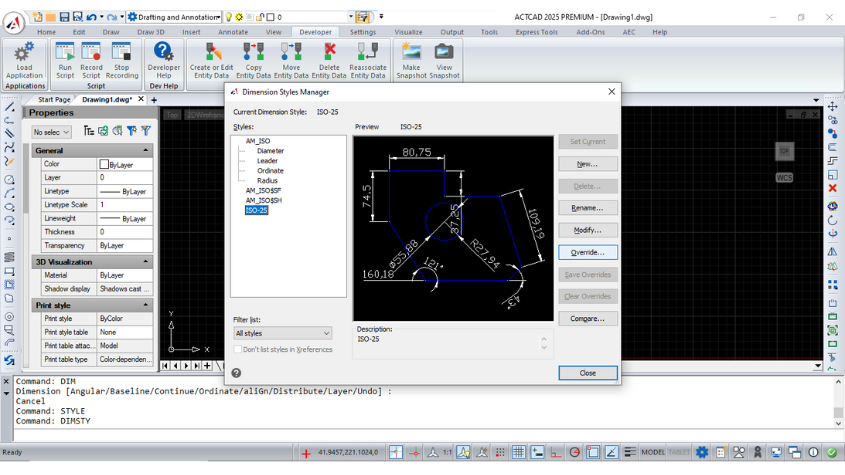
Read articleLearn how to override dimension styles in ACTCAD. Customize dimension lines, symbols, text, and more for precise control over your drawings.
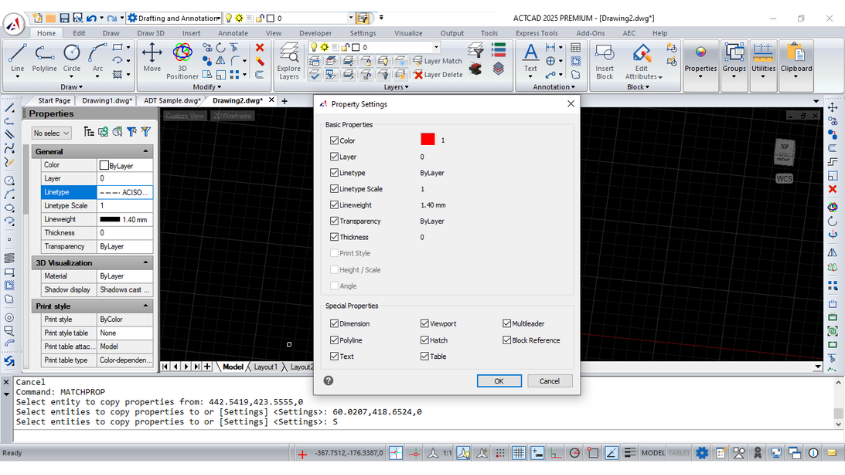
Read articleEffortlessly copy object properties like color, layer, lineweight, and more using MATCHPROP in ActCAD. Save time with precise property duplication tools.
Read articleInstall ACTCAD, open your own drawings, and see whether it holds up. 15 days, full features, no credit card.
Check your inbox for the download link.
15 days, full features, no credit card.
Your download link will land in your inbox in a few minutes.
Tell us when it suits you. Our team calls back within one business day.
We will ring you on the number you gave us.
Your download link will land in your inbox in a few minutes.
Shown once. We will not interrupt you again.