How To ASSIGN MATERIALS TO SOLIDS In ActCAD?
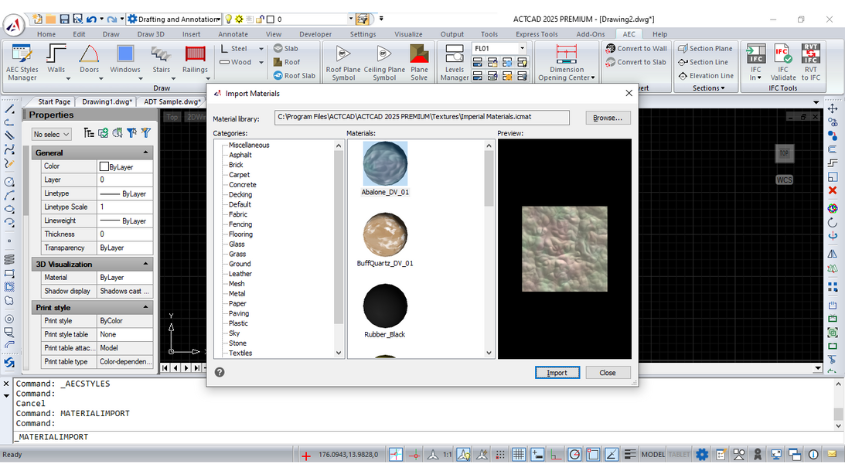
Learn how to assign, edit, and manage materials in ActCAD for stunning 3D rendering. Customize textures, mapping, and material properties for your designs.
Read articleDrafting technique, customization, release notes and honest buying advice — 129 articles and counting.
Learn how to assign, edit, and manage materials in ActCAD for stunning 3D rendering. Customize textures, mapping, and material properties for your designs.
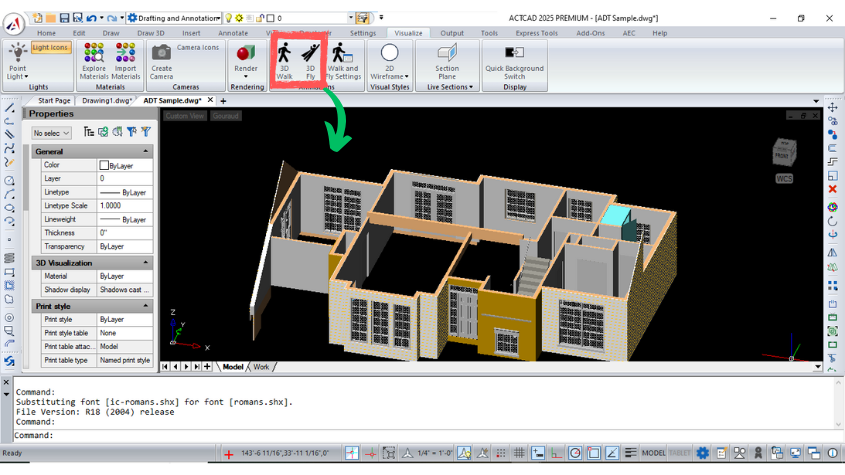
Read articleExplore ActCAD's 3D Walk and Fly tools for interactive navigation of 3D models. Customize settings for seamless walkthroughs and flyovers in your designs.
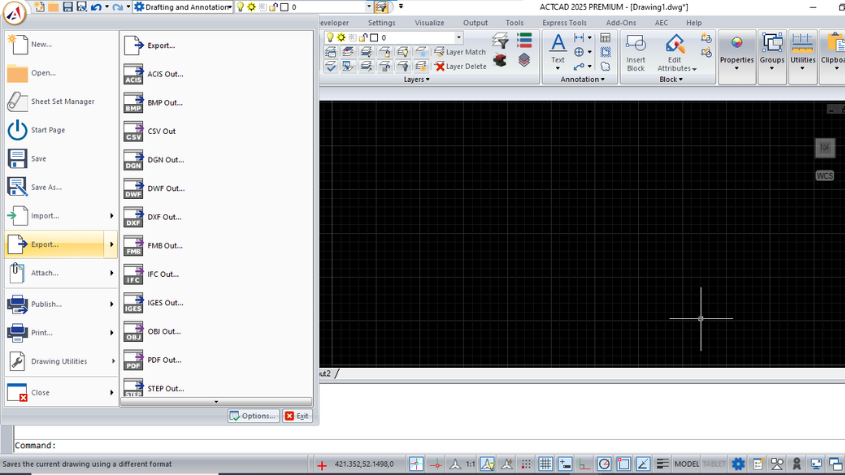
Read articleDiscover supported file formats in ACTCAD, including DWG, DXF, STEP, STL, and more. Learn their uses in 2D and 3D design for architects, engineers and designer.
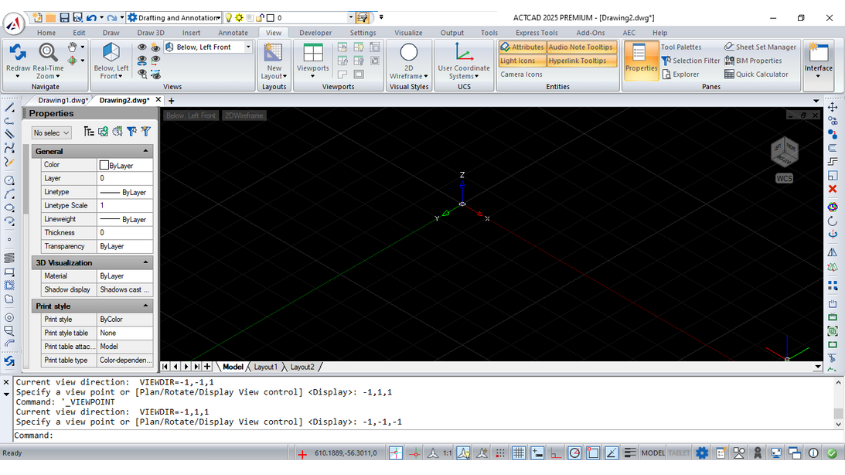
Read articleLearn how to use the ViewCube in ACTCAD to switch views, adjust settings, and enhance navigation in 2D/3D models with smooth transitions and customization.
Read articleACTCAD 2023, powered by IntelliCAD 11 Engine, delivers enhanced CAD features, faster performance, DWG/DXF support, and intuitive 3D modeling tools.
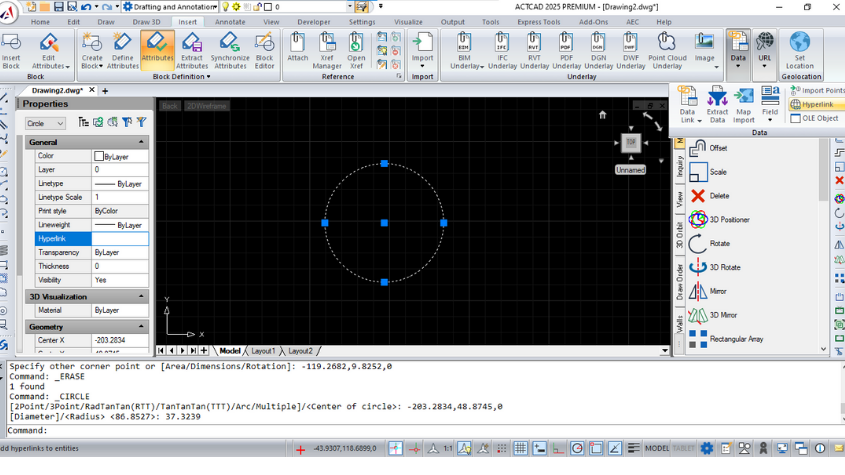
Read articleLearn ACTCAD's Hyperlink feature to link entities to URLs, files, or locations. Create, manage, and remove hyperlinks with ease for dynamic CAD projects.
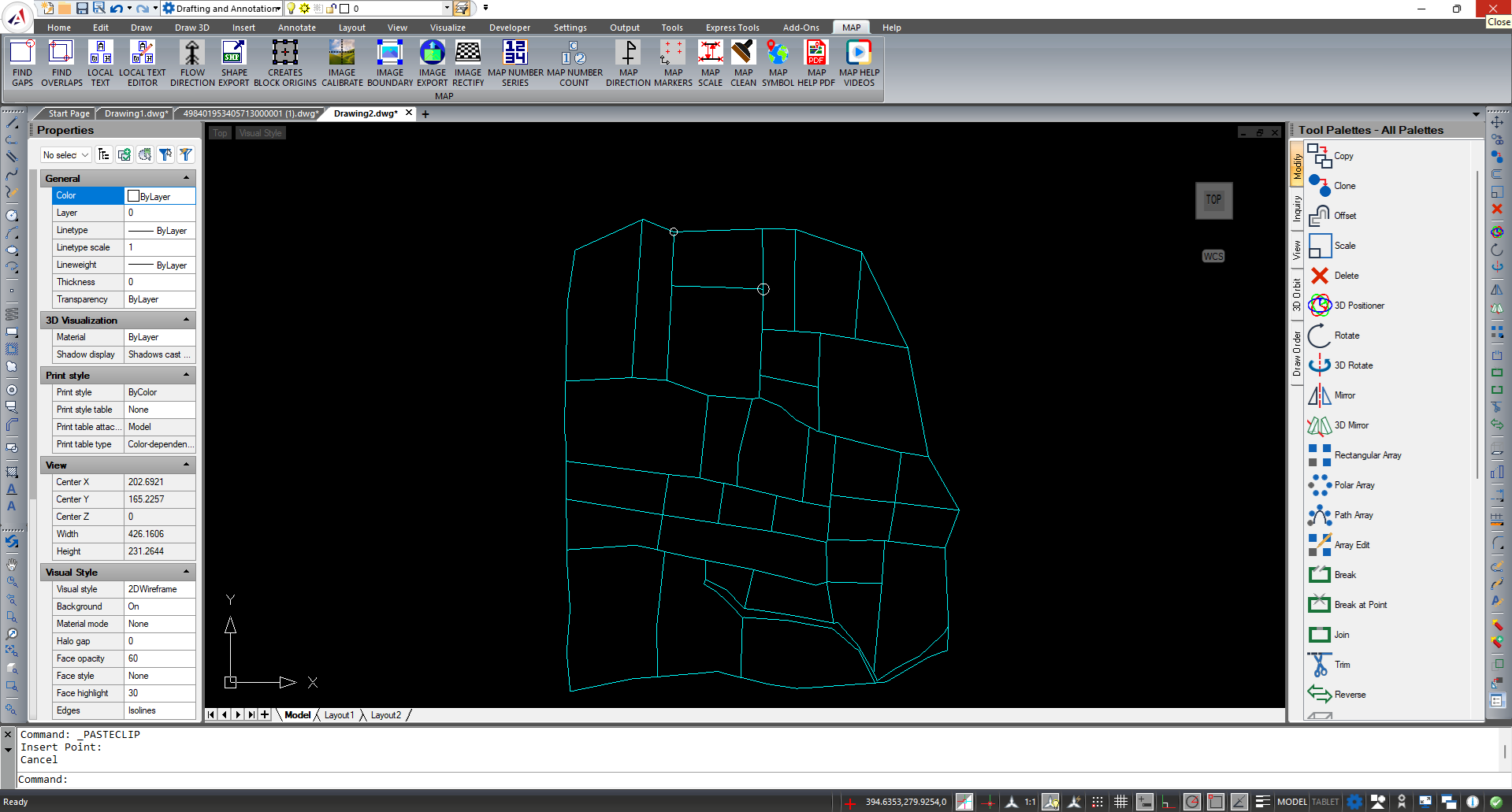
Read articleExplore ACTCAD's FIND GAPS and FIND OVERLAPS tools to identify gaps and overlaps in drawings. Highlight issues for accurate hatching and precise drafting.
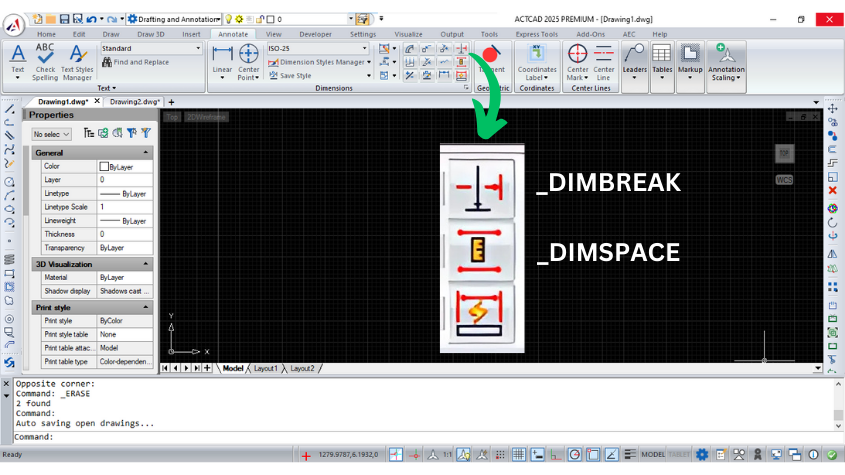
Read articleLearn about ACTCAD's DIMSPACE and DIMBREAK commands to align dimensions with equal spacing or break dimension lines for clear, professional drawings.
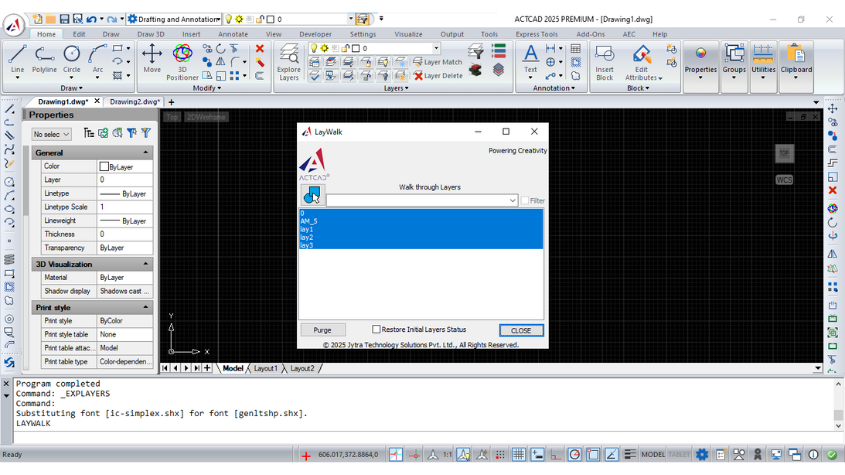
Read articleDiscover ACTCAD's Laywalk feature to manage CAD layers effectively. Display selected layers, filter lists, and purge unreferenced layers with ease.
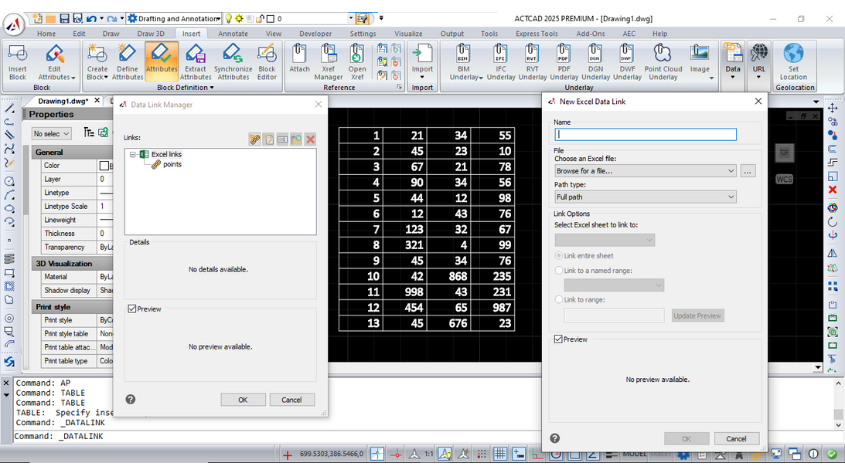
Read articleLearn how to use Datalink in CAD software to integrate Microsoft Excel data into your drawings, manage updates, and streamline data handling with ease.
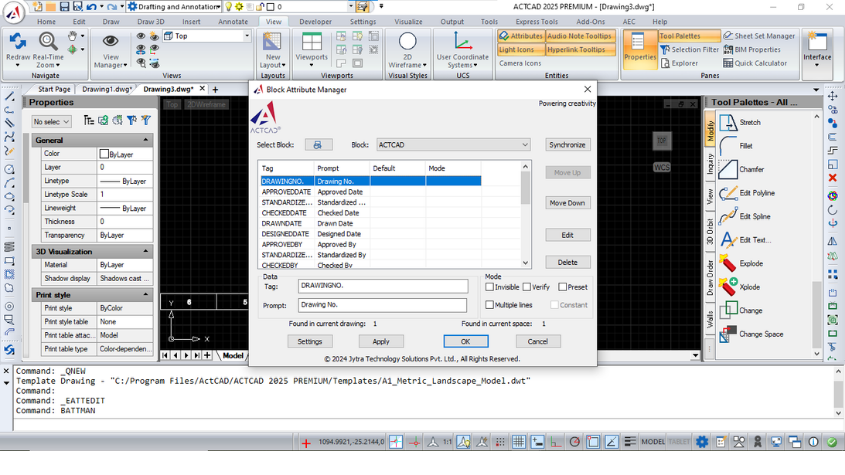
Read articleLearn to use GATTE and BATTMAN commands in ACTCAD for global attribute management and block attribute editing, ensuring efficient CAD design workflows.
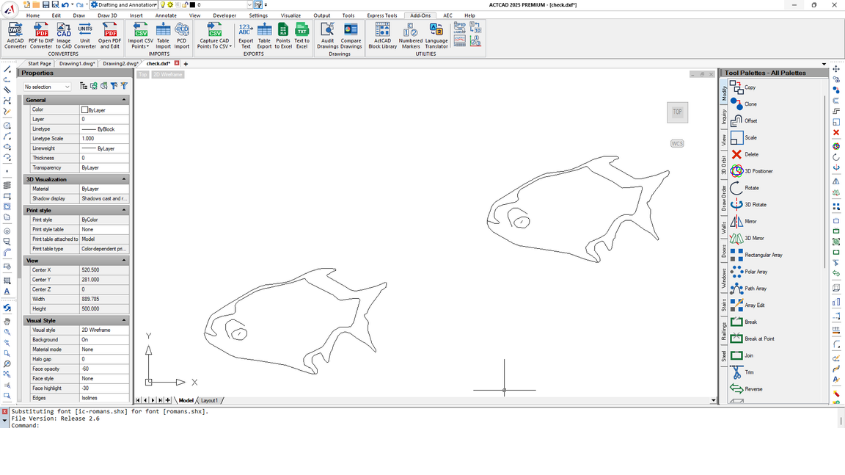
Read articleConvert raster images to vector files seamlessly with ACTCAD's Raster to Vector Converter. Save in DXF or other formats for accurate CAD designs.
Read articleInstall ACTCAD, open your own drawings, and see whether it holds up. 15 days, full features, no credit card.
Check your inbox for the download link.
15 days, full features, no credit card.
Your download link will land in your inbox in a few minutes.
Tell us when it suits you. Our team calls back within one business day.
We will ring you on the number you gave us.
Your download link will land in your inbox in a few minutes.
Shown once. We will not interrupt you again.