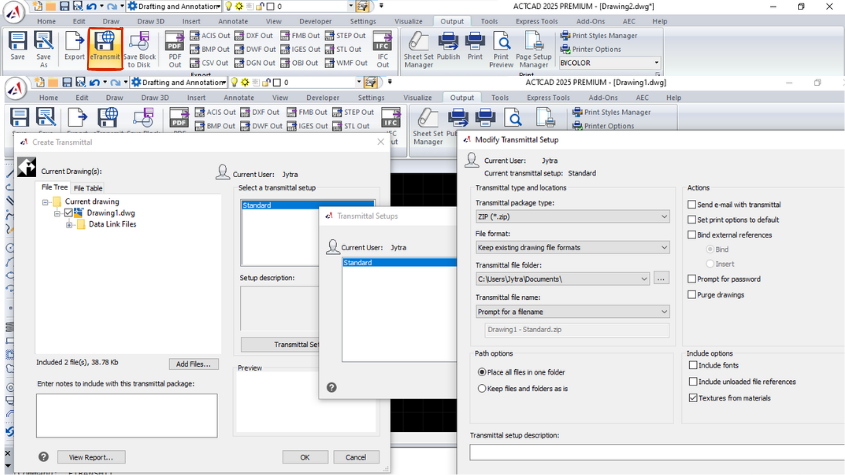
Share your files with eTransmit in different file formats
Learn about the eTransmit command in CAD software for packaging and transferring related files, including external references, fonts, and more.
Read articleDrafting technique, customization, release notes and honest buying advice — 129 articles and counting.
Learn about the eTransmit command in CAD software for packaging and transferring related files, including external references, fonts, and more.
Read articleLearn about ACTCAD's powerful attribute commands like ATTOUT, ATTIN, and ATTINC for exporting, importing, and managing block attributes to streamline workflows.
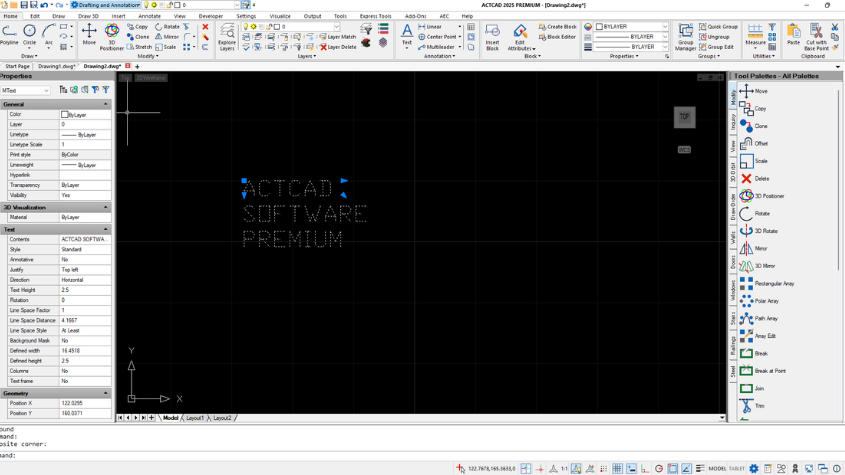
Read articleLearn how to use TEXTMERGE and TEXTALIGN in ACTCAD to combine text objects and align them based on specified points for better organization and readability.
Read articleExplore the latest IntelliCAD releases, from enhanced graphics to faster performance and new features. Learn about the steady growth of IntelliCAD with ACTCAD.
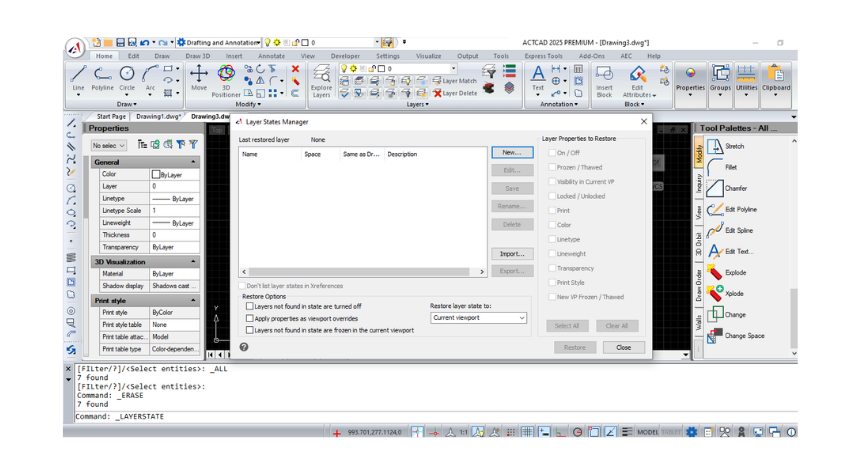
Read articleLearn how to manage layer states in CAD using the Layer States Manager, including options to create, edit, import and export
Read articleOrganize and publish sheets with subsets in ACTCAD. Learn how to manage, move, rename, and publish your sheet sets to various formats like PDF, DWF, and more.
Read articleEasily manage and modify sheets within a sheet set in ACTCAD. Add, reorder, rename, or delete sheets, and customize sheet properties for your project needs.
Read articleOrganize and manage your project layouts using ACTCAD's Sheet Set Manager. Create, open, and close sheet sets with ease, and publish to various file formats.
Read articleIntegrate geographic locations into your ACTCAD designs using maps, markers, and annotations. Customize displays, work offline with map images, and enhance proj
Read articleLearn how to add and remove geographic locations in ACTCAD using latitude/longitude or KML files, with online maps and markers for precise drawing placement.
Read articleDiscover IntelliCAD 10.1a with new features: Excel import, table improvements, block attribute sync, planar surfaces, and more. Compatible with Windows 7-11.
Read articleDiscover IntelliCAD 10.1's advanced features: faster CAD engine, geographic maps, BIM enhancements, dynamic blocks and multi-threading.
Read articleInstall ACTCAD, open your own drawings, and see whether it holds up. 15 days, full features, no credit card.
Check your inbox for the download link.
15 days, full features, no credit card.
Your download link will land in your inbox in a few minutes.
Tell us when it suits you. Our team calls back within one business day.
We will ring you on the number you gave us.
Your download link will land in your inbox in a few minutes.
Shown once. We will not interrupt you again.