ACTCAD BLOG (Search: )

How to Use TRIANGULATE in ACTCAD
Learn how to use the TRIANGULATE command in ACTCAD 2026 to generate accurate triangular surface meshes from scattered points for faster design and analysis.

Improve Dimensions Using POWERDIM
Step-by-step guide to using POWERDIM in ACTCAD. Add tolerances, fits, and precision to dimensions for accurate, ISO and ASME compliant engineering drawings.

ACTCAD 2026: Power-Packed Release
Discover the all-new ACTCAD 2026 built on IntelliCAD 14 engine. Faster performance, new tools, advanced APIs, and powerful drafting features for designers.

Mastering RTEXT Command in ACTCAD
Learn how to use the RTEXT to insert rotated text from external .txt files. Maintain consistency, and accuracy with easy updates and flexible options.

Top 5 CAD Buying Mistakes & Fixes
Discover the top 5 mistakes people make when buying CAD software and how ACTCAD helps you avoid them. Save money, ensure compatibility, and get the tools.

How to Use SlopeText in ACTCAD
Learn how to use the SLOPETEXT to calculate and label slopes in % or degrees. Perfect for civil, structural,and surveying drawings to improve clarity & accuracy

Create QR Codes Easily in ACTCAD
Learn how to use the QRCODE command in ACTCAD to create scannable QR codes in your drawings. Add text or URLs, adjust size, borders, and error correction for cl

Quick Object Splitting in ACTCAD
Learn how to use the QBREAK to quickly split objects with precision. Ideal for drafting efficiency, it reduces steps and improves accuracy in your CAD workflow.

Add Prefix/Suffix to Text in ACTCAD
Learn how to use the PREFIXSUFFIX to quickly add prefixes or suffixes to text, dimensions, and attributes, ensuring consistent formatting in your CAD drawings.

Smooth Curves with POLYFIT in ACTCAD
Learn how to use the POLYFIT command in ACTCAD to convert segmented polylines into smooth curves quickly. Perfect for contours, road alignments, and freeform.

Measure Geometry Easily in ACTCAD
Learn how to use the MEASUREGEOM in ACTCAD to measure distances, angles, areas, and volumes with precision. Boost accuracy and efficiency in your CAD projects

How to Merge Hatch Objects in ACTCAD
Learn how to use the MERGEHATCH command in ACTCAD to combine multiple hatch entities into one for consistent patterns, easy editing, and cleaner CAD drawings.

How to Label Point Coordinates ACTCAD
Step-by-step guide to using the INSERTPOINTSVALUES to label point entities with X, Y, Z coordinates for surveying, GIS, and civil engineering

ACTCAD LAYOPP Layer Operation Guide
Master the LAYOPP command in ACTCAD to move or copy drawing entities between layers. Simple step-by-step tutorial for better CAD organization and layer control.

GCEQUAL in ACTCAD – Equal Constraint Tool
Use GCEQUAL in ACTCAD to link geometric objects with equal constraints. Ensure synchronized sizes in parametric CAD drawings. Ideal for mechanical and architect

GCTANGENT in ACTCAD – Apply Tangent Constraint
Learn how to use the GCTANGENT command in ACTCAD to apply tangent constraints between curves and lines in parametric sketches. Ideal for design accuracy.

EXOFFSET in ACTCAD – Create Multiple Offsets
Learn how to use EXOFFSET in ACTCAD to quickly create multiple parallel copies of objects with precise control. Ideal for architectural, civil, and mechanical C

Auto-Dimension Polylines in ACTCAD
DIMPOLYALIGNED in ACTCAD lets you automatically place aligned dimensions along each segment of a selected polyline—saving time and improving accuracy.

Cut with Base Point in ACTCAD
Learn how to use the CUTBASE command to cut objects with a custom base point for precise pasting and alignment between drawings. Ideal for modular CAD workflows

Display Point Coordinates in ACTCAD
Use the COORDSLABEL command in ACTCAD to display X, Y, Z coordinates as labels in drawings. Perfect for survey, civil, and architectural design documentation.

Convert Polylines Easily in ACTCAD
Learn how to use the CONVERTPOLY command in ACTCAD to switch between heavy and lightweight polylines for better performance and compatibility.

Quick Block Counting with COUNTTABLE
Learn how to use the COUNTTABLE command in ACTCAD to quickly count block references and insert a dynamic table for BOM and drawing management with precision.

Changing Block Base Points in ACTCAD
The CHBLOCKBASEPOINT command in ACTCAD changes a block’s base point, improving alignment, insertion accuracy, and drawing consistency and drawing consistency.

ACTCAD CENTERMARKSET Explained Simply
Learn how to use the CENTERMARKSET command in ACTCAD to add center marks to circles and arcs, improve drawing clarity, and accurate dimensioning.

ACTCAD AREATEXT for Area Labels
Learn how to use the AREATEXT command in ActCAD to calculate and display area measurements of closed entities like polylines, circles, and hatches with ease.

ACTCAD Block Replacement Made Easy
Learn how to use the BREPLACE command in ACTCAD to replace multiple blocks at once, boost productivity, ensure uniform design, and streamline your CAD workflow.

Manage Dimension Styles in ACTCAD
Learn how to use the AIDIMSTYLE command in ACTCAD to create, modify, and manage dimension styles for precise and consistent CAD annotations.

ACTCAD 2025 Released: Feature-Packed
Discover ACTCAD 2025 with IntelliCAD 13.0, powerful 2D/3D tools, BIM features, dynamic blocks, geolocation, and speed upgrades. Boost your CAD workflow.

Create Reusable Shapes with MKSHAPE
Learn to use MKSHAPE in ACTCAD to create reusable custom shapes from drawing entities. Enhance performance, reduce file size, and streamline your CAD workflow.

ACTCAD Line Control with MKLTYPE
Learn how to use the MKLTYPE command in ACTCAD to create custom linetypes from text, shapes, and lines. Perfect for architects, engineers, and CAD professionals

Top ACTCAD Tips for New Designers
New to CAD? Learn essential ACTCAD tips for beginners. Boost productivity with shortcuts, templates, layers, XREFs, and built-in tools to design smarter in 2024

Multi-Point Image Rectification Guide
Learn Multi-Point Image Rectification in CAD with this step-by-step guide. Includes visuals for each step. Ideal for mapping, alignment, and accurate grid.

Why ACTCAD Improves Productivity?
Boost your design workflow with ACTCAD. Discover how its speed, smart 2D/3D tools, DWG/DXF support, automation, and one-time licensing.

How to Choose the Right CAD Software: Why ActCAD?
Discover why ActCAD is the top choice in 2025 for architects, engineers, and designers. Get powerful CAD tools at a fraction of the cost—lifetime license.

Stop Paying for Subscriptions – Own ActCAD for a Lifetime
Looking for an AutoCAD alternative? ACTCAD offers a cost-effective, perpetual license with full DWG compatibility, free technical support.
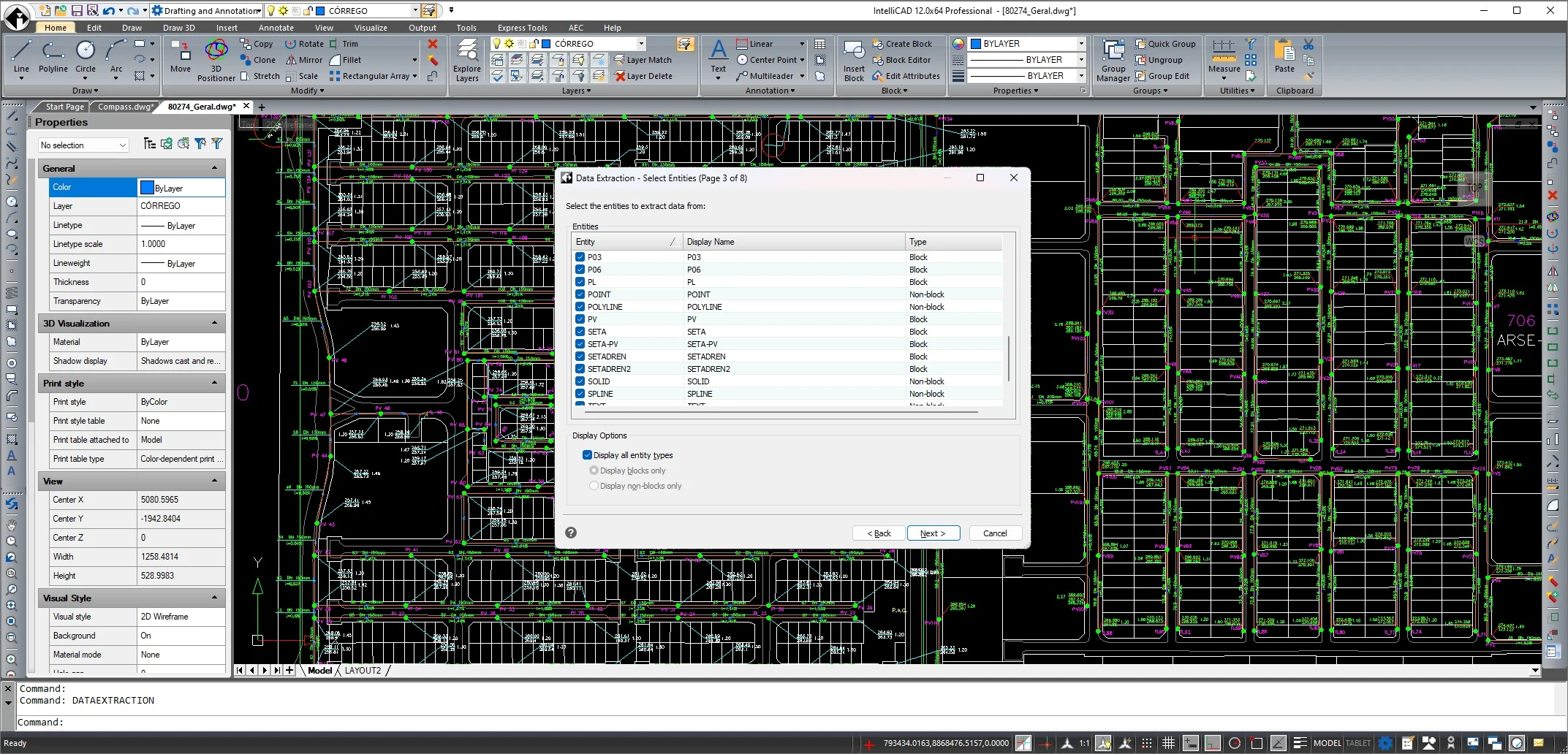
IntelliCAD 12.0 Released
IntelliCAD 12.0 is here with major improvements! Explore new features like super hatches, Quick Properties, enhanced tables, BIM updates, and more.
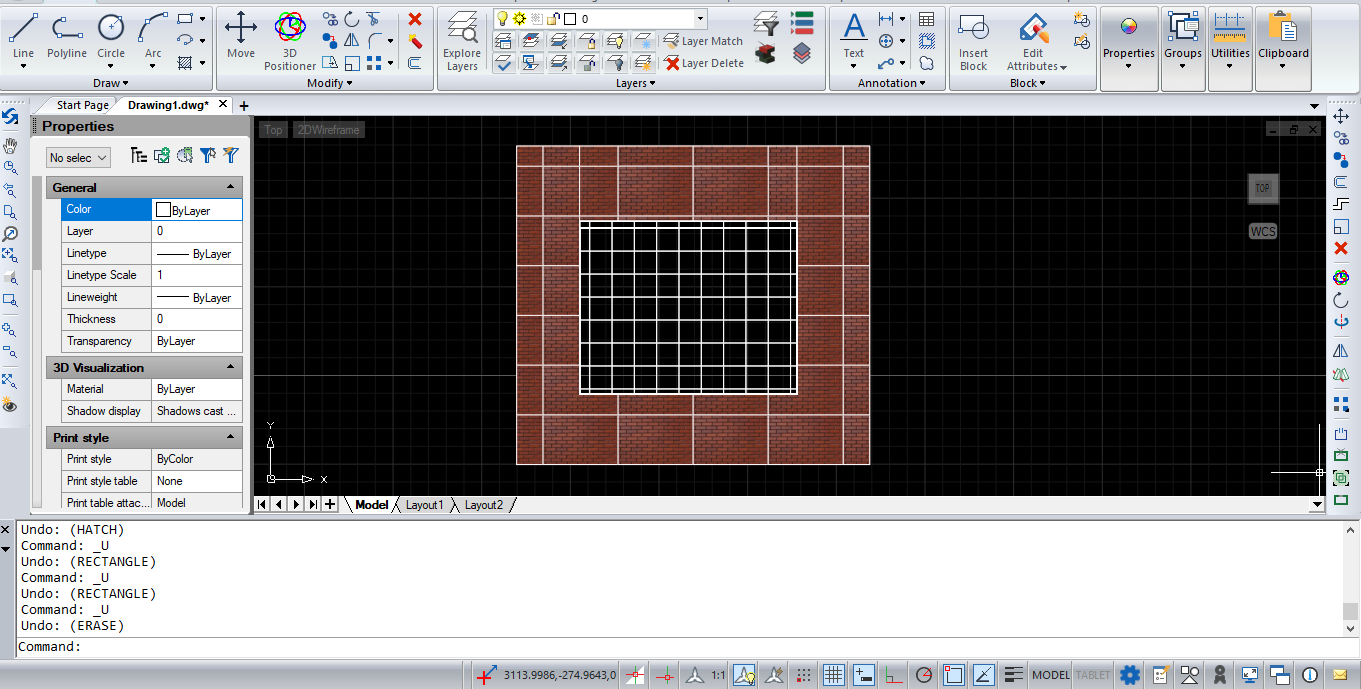
How to Use SuperHatch in ACTCAD
Learn how to use the SuperHatch command in ACTCAD with this step-by-step guide. Easily create custom hatches using Images, Blocks,Xref,Wipeout

Speed Up Your Design Process with ACTCAD
Looking to speed up your CAD design process? ACTCAD offers fast performance, quick learning curves, and seamless AutoCAD compatibility. Boost your productivity

ACTCAD: The Affordable and Powerful CAD Software
Looking for affordable CAD software? ACTCAD offers powerful 2D and 3D design tools, seamless AutoCAD compatibility, and an intuitive interface.
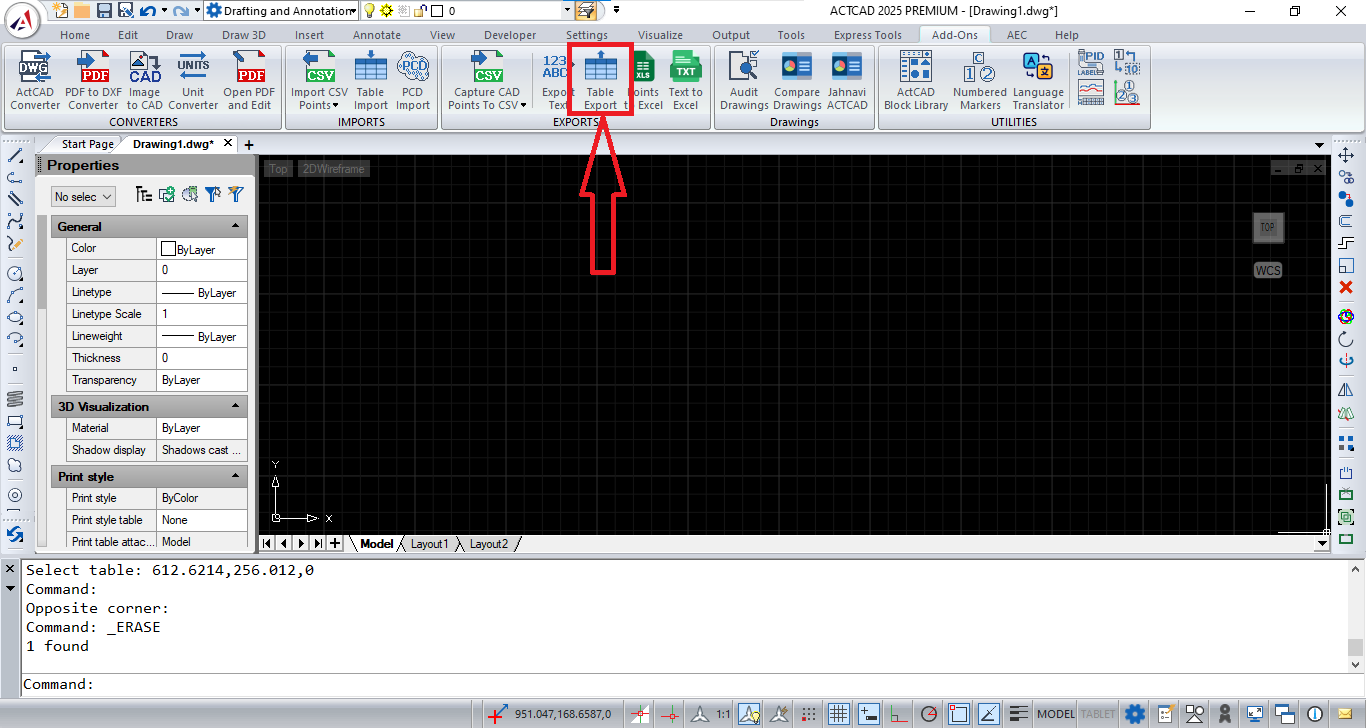
TABLEEXPORT – Export Table Data to CSV Easily
Learn how to use the TABLEEXPORT command in ACTCAD to export table data directly into a CSV file. Easily transfer BOMs, schedules, and part lists to Excel .

ACTCAD : Best CAD Software
ActCAD is a powerful, cost-effective CAD software supporting DWG/DXF, 3D rendering, and productivity tools. Try the full version free for 15 days.

Why should you choose ActCAD?
ActCAD is a cost-effective AutoCAD alternative offering lifetime licensing, native DWG/DXF support, IntelliCAD technology, and excellent technical support.
Quick guide to choose best-cad-Software
Explore ActCAD, a powerful CAD software for 2D drafting & 3D modeling. Supports DWG, DXF, PDF, and more with advanced tools, features, and lifetime licenses.
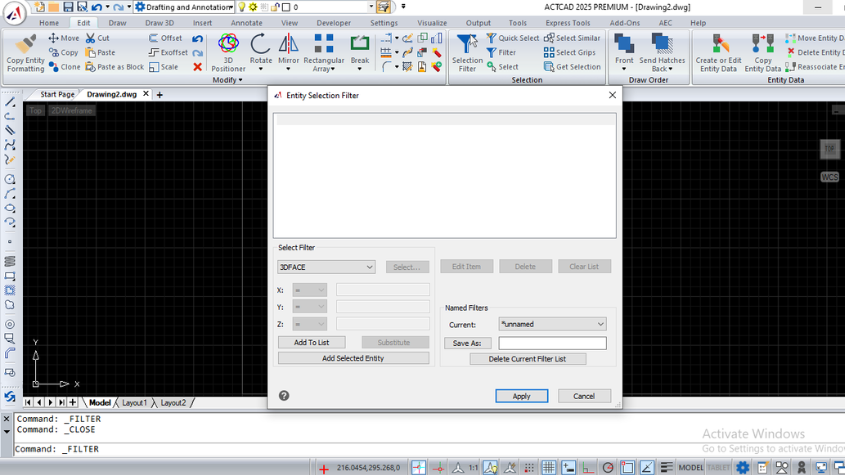
Working with Selection Filters in ActCAD Software
Master the ACTCAD Selection Filter to create custom entity selection sets using logical operators and save filters for efficient reuse in drawings.
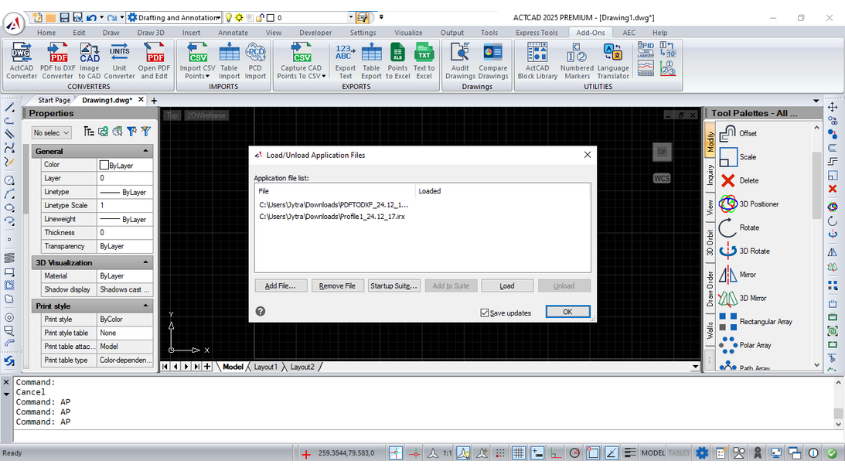
How to Load LISP Programs in ActCAD Software
Learn how to load and run LISP routines in ACTCAD. Use LISP for automation, compatibility with AutoCAD scripts, and enhanced drawing productivity.
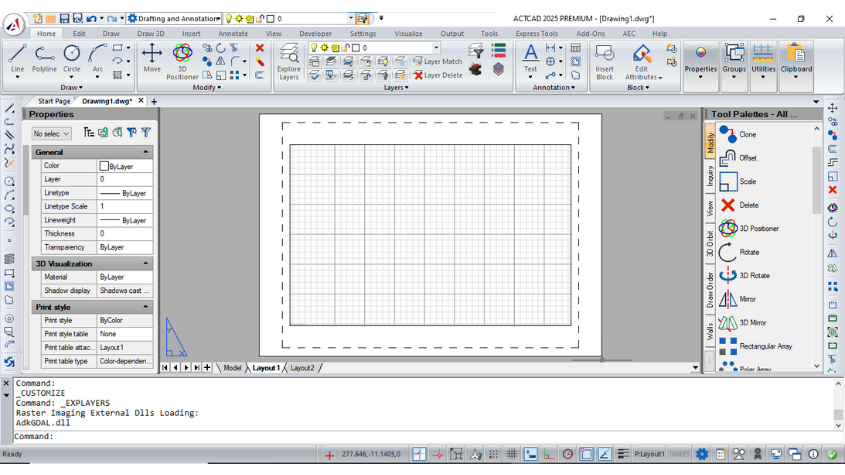
Have you tried LAYOUT in ActCAD Software
Master layouts in ACTCAD: create, copy, delete, and rename layouts for organized printing. Customize views, scales, and templates for professional results.
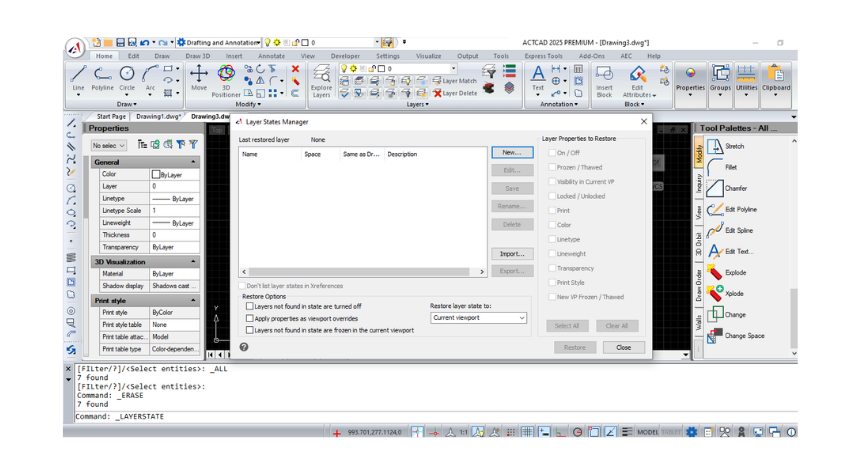
Working with Layers in ActCAD Software
Use layers to control visibility, properties, and access in ACTCAD. Lock, freeze, thaw, and customize layers to organize and optimize your drawings.
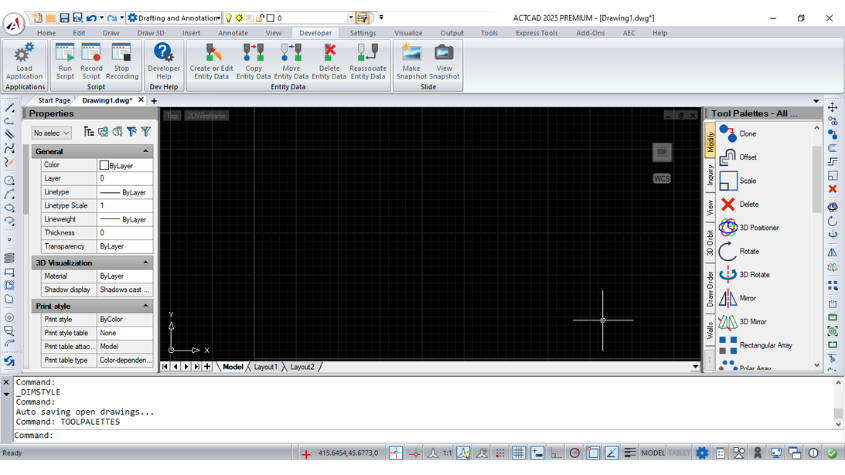
Do you know how to customize Tool Palettes in ActCAD
Customize and organize tool palettes in ACTCAD to access blocks, hatch patterns, and commands efficiently. Export, import, and group palettes for flexibility.
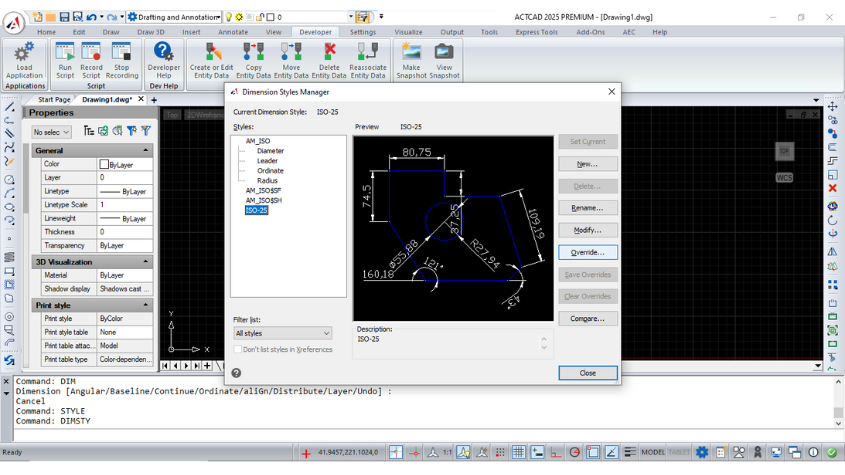
How To Override Dimensions in ActCAD Software
Learn how to override dimension styles in ACTCAD. Customize dimension lines, symbols, text, and more for precise control over your drawings.

Best CAD Software
ActCAD 2024 is a cost-effective CAD software for 2D drafting and 3D modeling, offering DWG/DXF compatibility, perpetual licenses, and built-in converters.
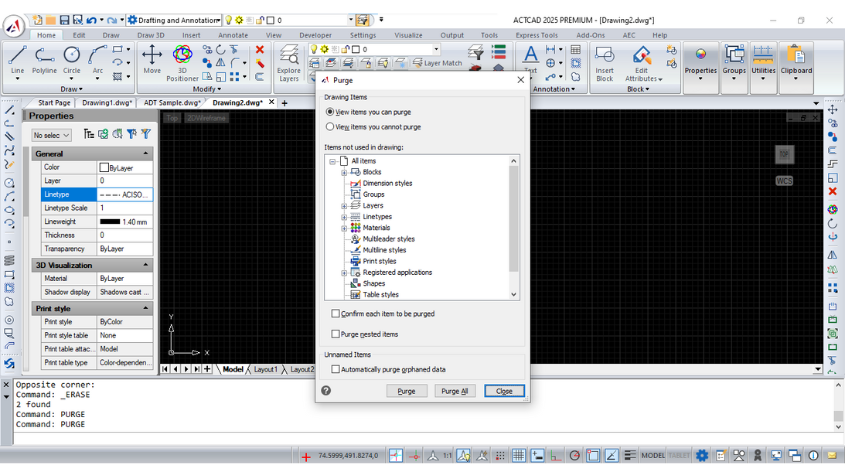
How To Use PURGE RECOVER Commands in ActCAD?
Learn to recover, audit, and purge drawings efficiently in ActCAD. Backup, autosave, and restore damaged files while optimizing performance with the purge tool.
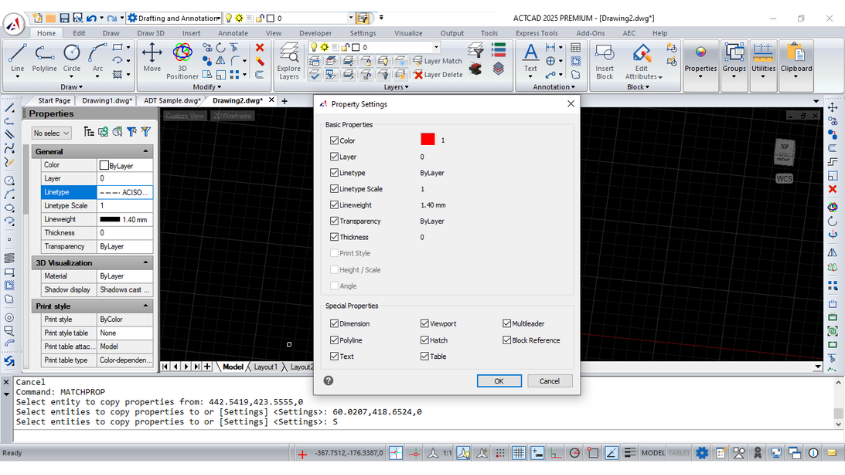
HAVE YOU EVER TRIED MATCH PROPERTIES IN ACTCAD
Effortlessly copy object properties like color, layer, lineweight, and more using MATCHPROP in ActCAD. Save time with precise property duplication tools.
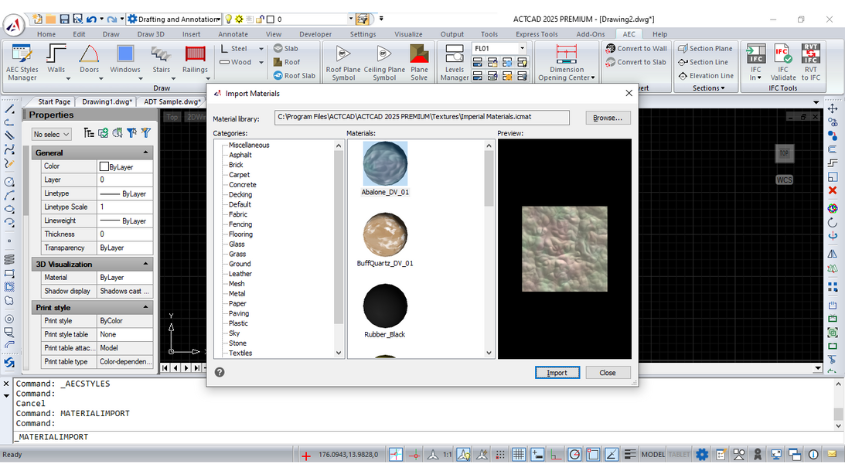
How To ASSIGN MATERIALS TO SOLIDS In ActCAD?
Learn how to assign, edit, and manage materials in ActCAD for stunning 3D rendering. Customize textures, mapping, and material properties for your designs.
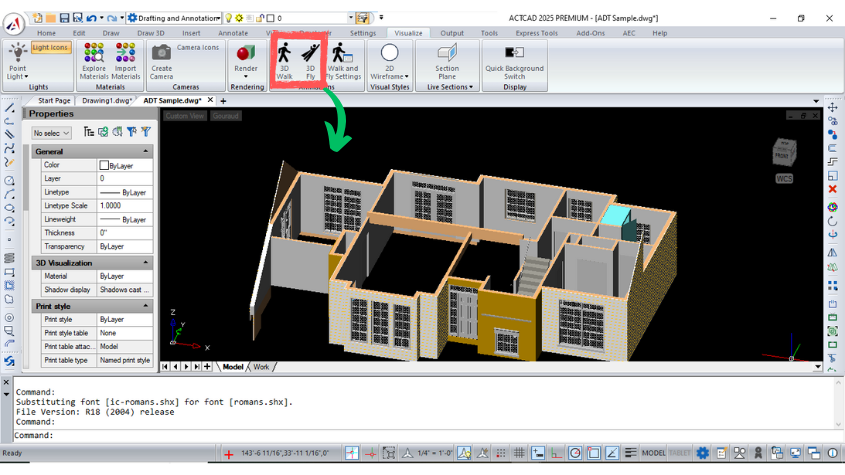
How To Walk And Fly Through Drawings In ActCAD?
Explore ActCAD's 3D Walk and Fly tools for interactive navigation of 3D models. Customize settings for seamless walkthroughs and flyovers in your designs.
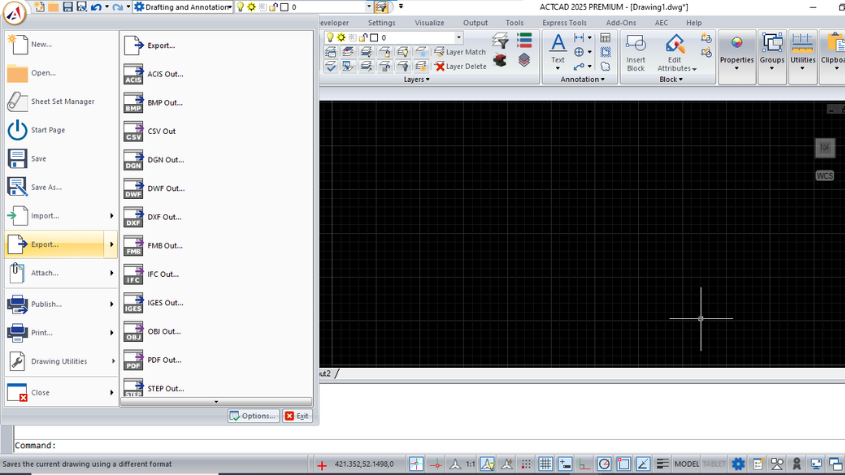
ActCAD File Formats
Discover supported file formats in ACTCAD, including DWG, DXF, STEP, STL, and more. Learn their uses in 2D and 3D design for architects, engineers and designer.
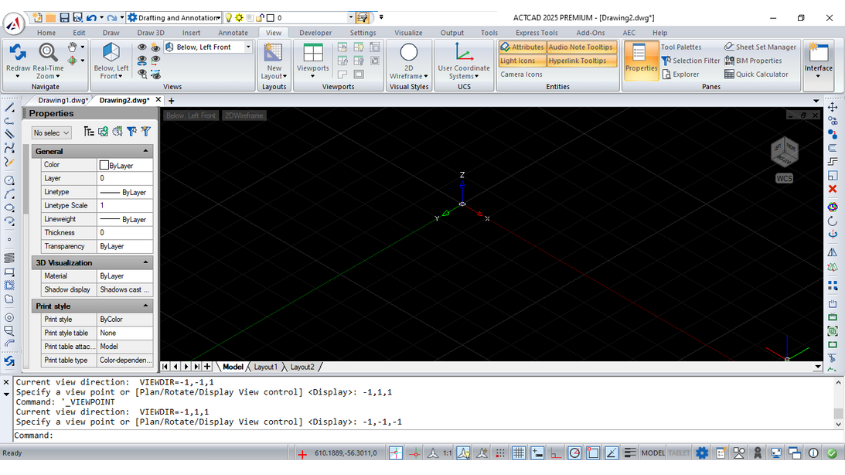
How to Use View Cube in ActCAD?
Learn how to use the ViewCube in ACTCAD to switch views, adjust settings, and enhance navigation in 2D/3D models with smooth transitions and customization.
ActCAD Latest 2023 Released with IntelliCAD 11.0 Engine
ACTCAD 2023, powered by IntelliCAD 11 Engine, delivers enhanced CAD features, faster performance, DWG/DXF support, and intuitive 3D modeling tools.
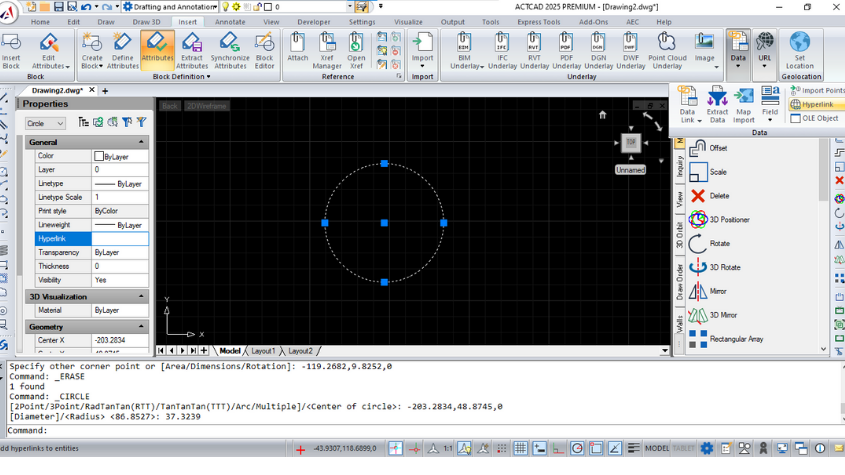
Working with HYPERLINKS IN ACTCAD
Learn ACTCAD's Hyperlink feature to link entities to URLs, files, or locations. Create, manage, and remove hyperlinks with ease for dynamic CAD projects.
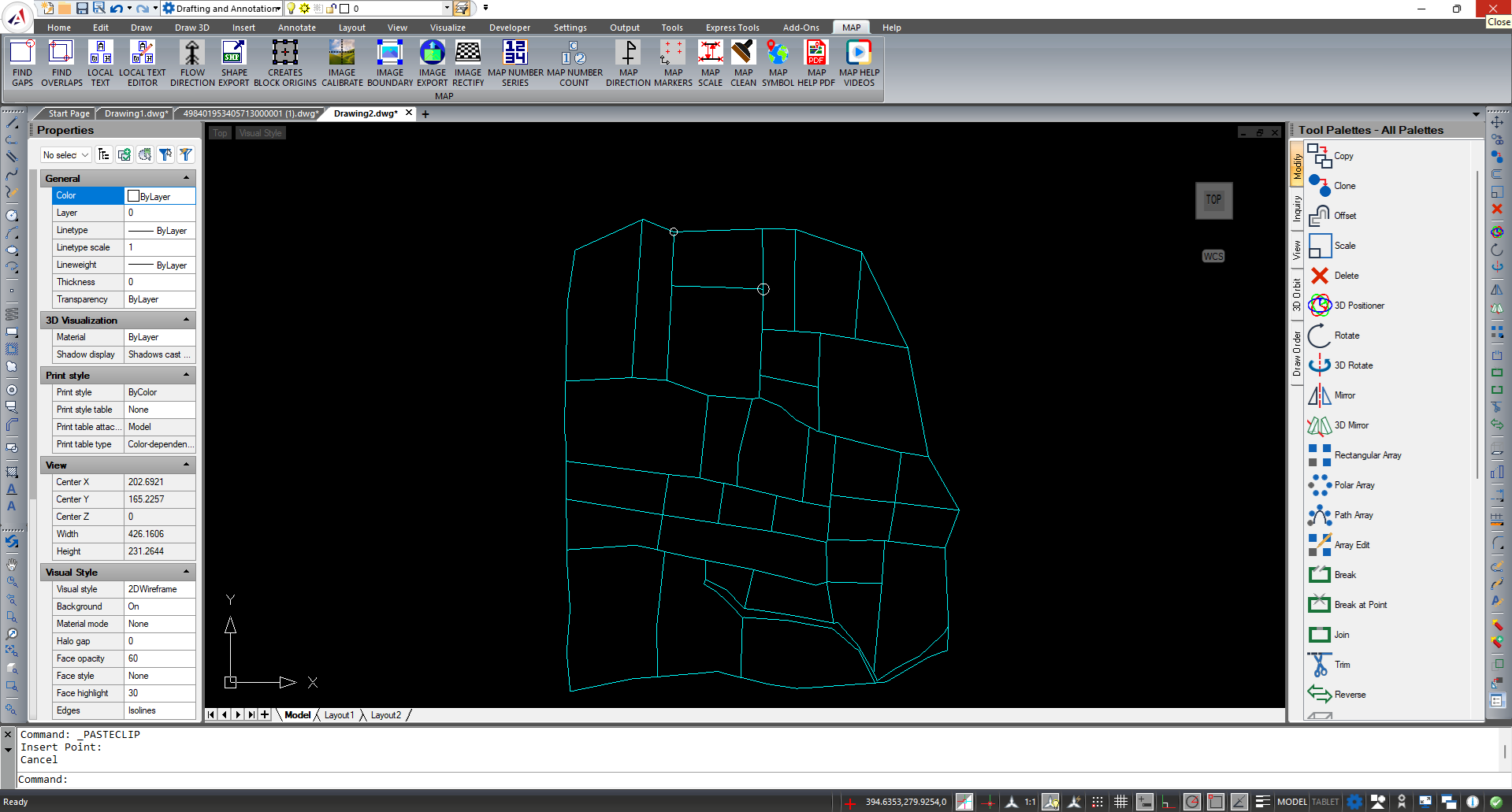
ActCAD Latest Improvements - FINDGAPS and FINDOVERLAPS
Explore ACTCAD's FIND GAPS and FIND OVERLAPS tools to identify gaps and overlaps in drawings. Highlight issues for accurate hatching and precise drafting.
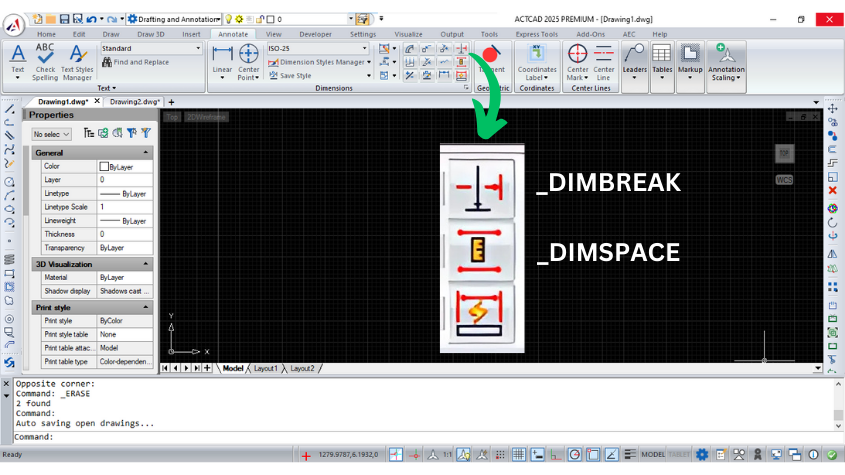
DIMSPACE and DIMBREAK
Learn about ACTCAD's DIMSPACE and DIMBREAK commands to align dimensions with equal spacing or break dimension lines for clear, professional drawings.
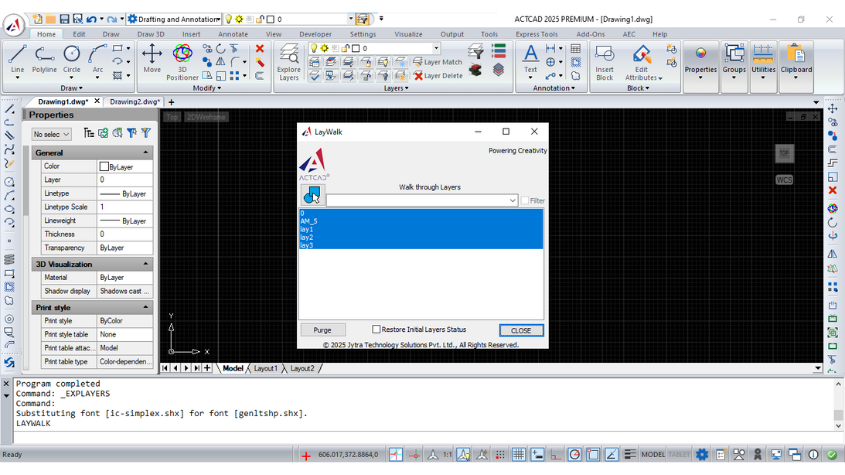
Laywalk Feature in ActCAD
Discover ACTCAD's Laywalk feature to manage CAD layers effectively. Display selected layers, filter lists, and purge unreferenced layers with ease.
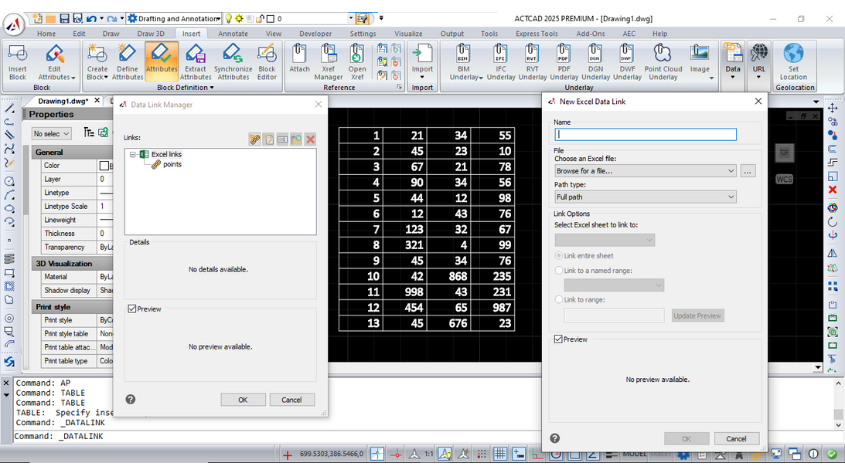
Working with Datalinks In ActCAD
Learn how to use Datalink in CAD software to integrate Microsoft Excel data into your drawings, manage updates, and streamline data handling with ease.
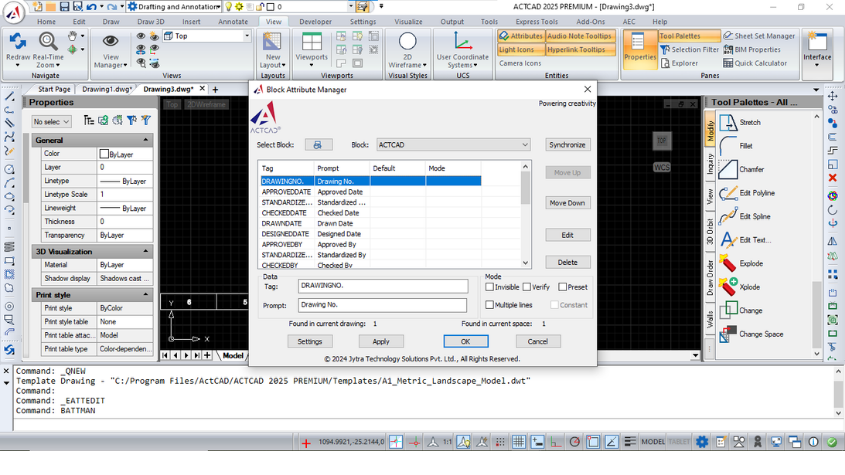
THE POWERFUL GATTE AND BATTMAN COMMANDS
Learn to use GATTE and BATTMAN commands in ACTCAD for global attribute management and block attribute editing, ensuring efficient CAD design workflows.
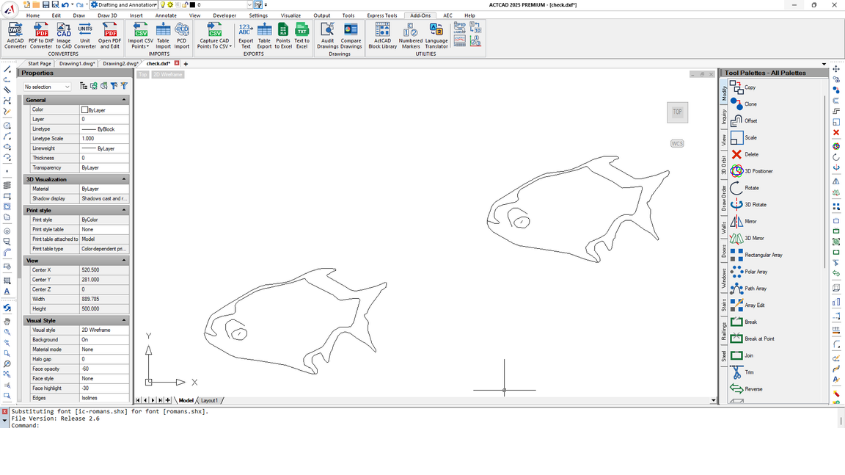
Raster To Vector Converter
Convert raster images to vector files seamlessly with ACTCAD's Raster to Vector Converter. Save in DXF or other formats for accurate CAD designs.
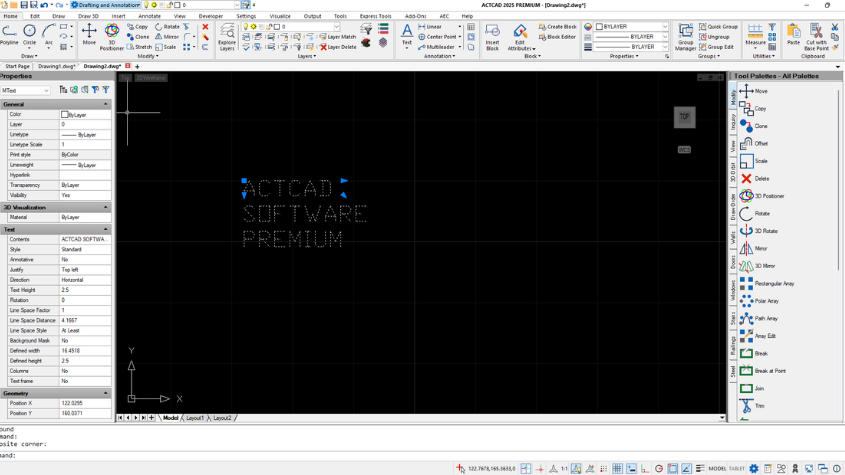
Using TextMerge and TextAlign
Learn how to use TEXTMERGE and TEXTALIGN in ACTCAD to combine text objects and align them based on specified points for better organization and readability.
Working with Layer States Manager
Learn how to manage layer states in CAD using the Layer States Manager, including options to create, edit, import and export
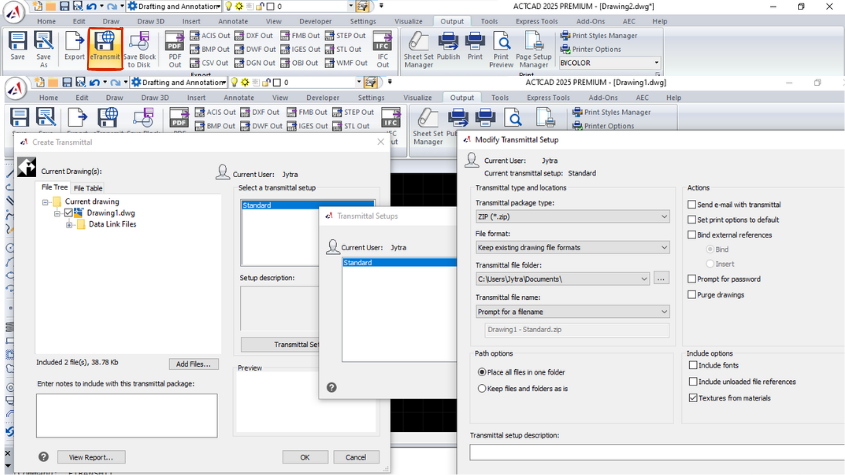
Share your files with eTransmit in different file formats
Learn about the eTransmit command in CAD software for packaging and transferring related files, including external references, fonts, and more.
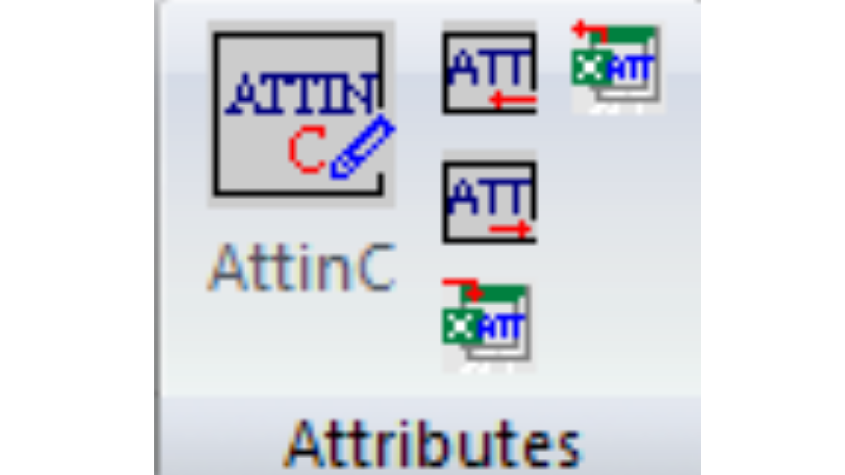
Efficient Attribute Editing Commands
Learn about ACTCAD's powerful attribute commands like ATTOUT, ATTIN, and ATTINC for exporting, importing, and managing block attributes to streamline workflows.
The Last 5 Releases of InteliiCAD
Explore the latest IntelliCAD releases, from enhanced graphics to faster performance and new features. Learn about the steady growth of IntelliCAD with ACTCAD.
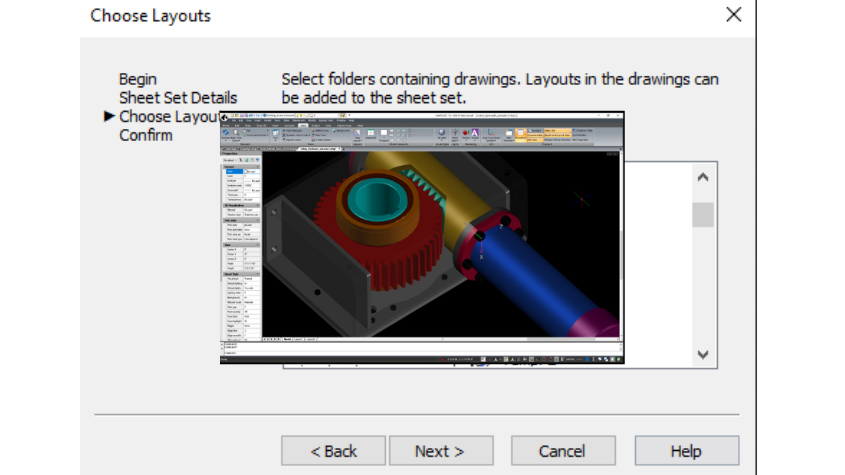
Sheet Set Manager in ActCAD Software - Part 3
Organize and publish sheets with subsets in ACTCAD. Learn how to manage, move, rename, and publish your sheet sets to various formats like PDF, DWF, and more.
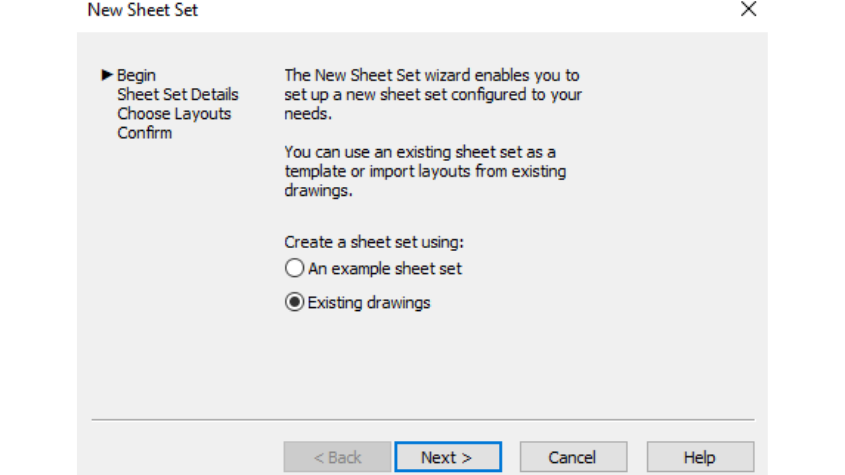
Sheet Set Manager in ActCAD Software - Part 2
Easily manage and modify sheets within a sheet set in ACTCAD. Add, reorder, rename, or delete sheets, and customize sheet properties for your project needs.
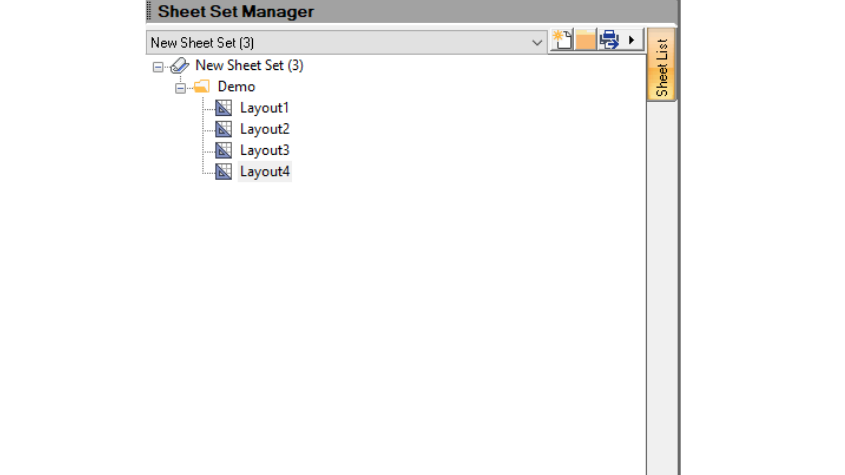
Sheet Set Manager in ActCAD Software - Part 1
Organize and manage your project layouts using ACTCAD's Sheet Set Manager. Create, open, and close sheet sets with ease, and publish to various file formats.

Geolocation feature of ActCAD Software - Part 2
Integrate geographic locations into your ACTCAD designs using maps, markers, and annotations. Customize displays, work offline with map images, and enhance proj
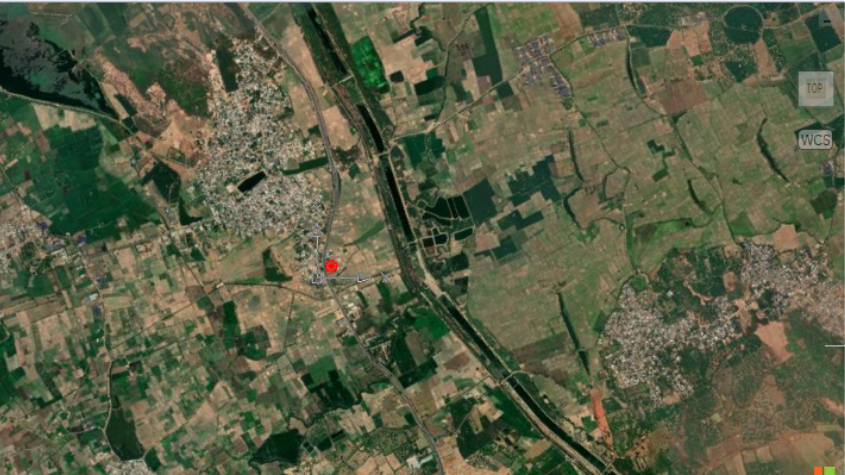
Geolocation feature of ActCAD Software - Part 1
Learn how to add and remove geographic locations in ACTCAD using latitude/longitude or KML files, with online maps and markers for precise drawing placement.

IntelliCAD 10.1a Released In ActCAD
Discover IntelliCAD 10.1a with new features: Excel import, table improvements, block attribute sync, planar surfaces, and more. Compatible with Windows 7-11.

IntelliCAD 10.1 Released
Discover IntelliCAD 10.1's advanced features: faster CAD engine, geographic maps, BIM enhancements, dynamic blocks and multi-threading.

IntelliCAD 10.0 Released In ActCAD
IntelliCAD 10 introduces enhanced graphics, BIM support, .dgn compatibility, dynamic inputs, new APIs, and improved UI.
AutoCAD Alternative
Discover why ACTCAD is the best alternative to AutoCAD. From lifetime licensing and DWG compatibility to a familiar interface.

Best CAD Design Software
Explore the top CAD Design Software with innovative features, seamless learning curve, multi-format support, and unparalleled technical assistance.
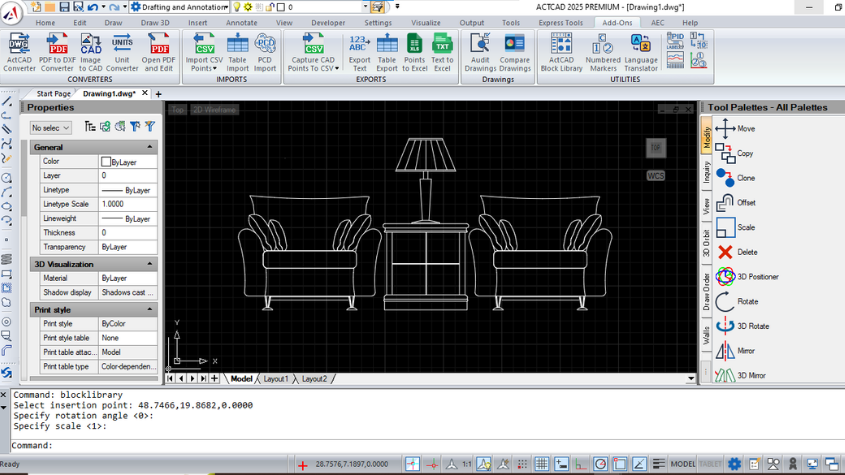
ActCAD IntelliCAD CAD Software
Discover ACTCAD, a professional-grade CAD software based on IntelliCAD, offering cost-effective 2D drafting and 3D modeling. Learn about its unique features.

Best CAD Drawing Software
Explore the best CAD drawing software, including ACTCAD, for precise 2D drafting and 3D modeling. Learn criteria for selecting efficient and compatible.

Best CAD Library
Discover the Best CAD Block Library for enhanced design efficiency. Learn how to use, manage, and update CAD libraries with ACTCAD's advanced features

Best CAD System
Explore the best CAD system in 2024 with ACTCAD. Discover its features, advantages, key functions, and products designed to boost efficiency and flexibility.

PDF to DWG Converter – Faster Than You Ever Imagined
Discover how to convert PDF to DWG with ease using ActCAD. Learn about the benefits, steps, and features of PDF to DWG conversion, and how this process is.
DWG Converter - The Perfect Solution for your Conversion
Learn about DWG Converter, a versatile tool for CAD users to convert DWG files to various formats like PDF, DXF, JPEG, and more.

Best Drawing Software
ACTCAD is a powerful, user-friendly drawing software with DWG/DXF compatibility, built-in tools, self-license transfer, and perpetual licensing.

Best 2D Drawing Software
Discover the best 2D drawing software like ACTCAD, offering excellent design quality, file compatibility and self-license transfer for enhanced productivity.
Best DWG to PDF Converter
Discover the best DWG to PDF converters , offering seamless conversion with enhanced privacy & security. Ideal for CAD professionals needing quick properties.
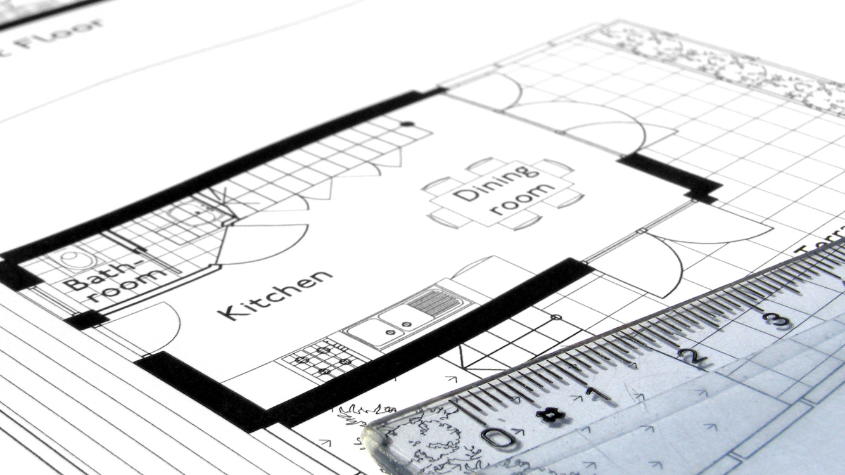
Best 2D CAD Software
Explore the best 2D CAD software options like AutoCAD and ACTCAD, offering powerful tools, accurate designs, and flexibility for architects, engineers, and desi
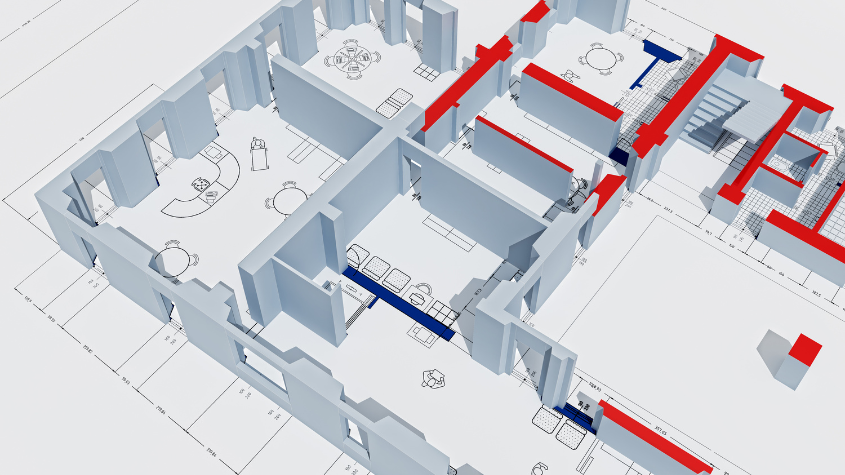
Best CAD Drawing App
Explore the best CAD drawing apps like ACTCAD for 2D & 3D design, offering powerful tools, DWG compatibility, and efficient drafting for engineers and architect

Best Drafting Software
Drafting Software, CAD Software, 2D & 3D CAD, Engineering Software, Design Tools, AutoCAD Alternatives, CAD Drafting, Engineering Design Software
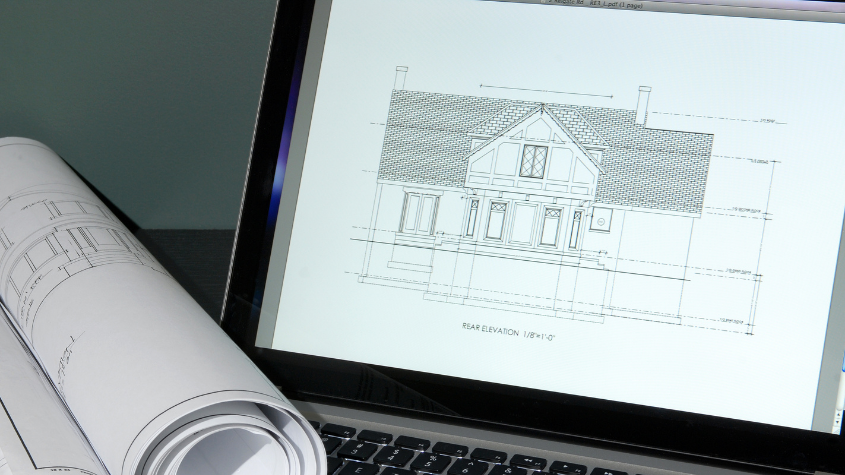
Best Engineering Drawing Software
Engineering Software, CAD Software, Drawing Software, 2D & 3D Design Tools, Design Software, CAD Drafting, Software Reviews, Mechanical & Civil Engineering Tool
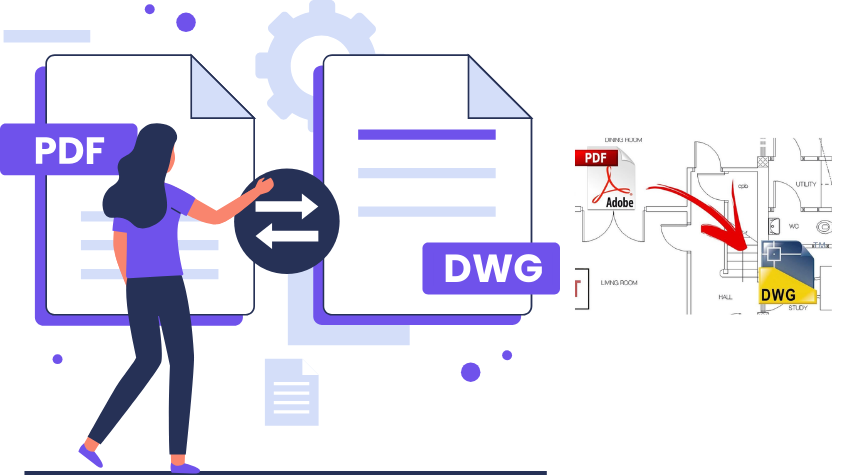
PDF to DWG Free Converter
Convert PDF to DWG format for free with ACTCAD Converter. Easy-to-use, supports vector & raster PDFs and outputs in multiple CAD file formats like DXF.
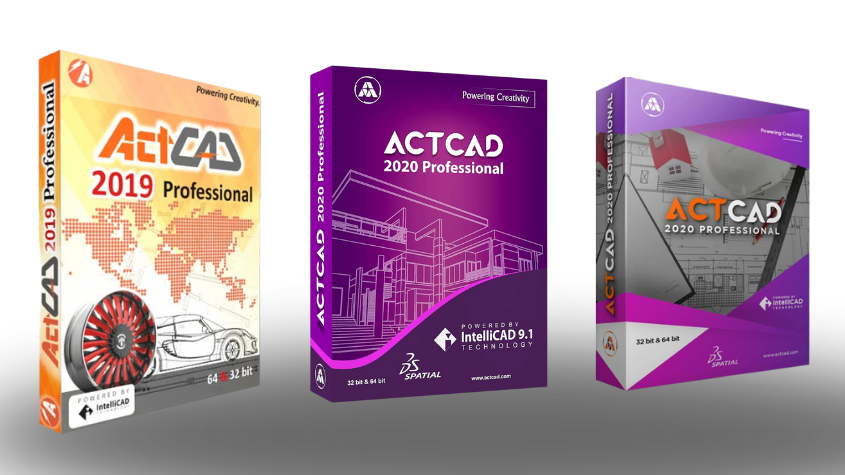
IntelliCAD 8.4b Released
Discover the new IntelliCAD 8.4b release with performance fixes, improved user interface and enhancements for large drawing handling, language support, and more

IntelliCAD Download
Download the latest version of ACTCAD, Discover unique features, API kits, free support. Choose from Premium & Standard versions.

Best 5000+ CAD Blocks
Discover the benefits of CAD blocks in ACTCAD for time-saving, accuracy, reduced file sizes, and consistency. Learn how to access and use CAD blocks effectively
Best Architectural Design Software
Explore the best architectural design CAD software for architects. Learn about ACTCAD, DWG support, block libraries, and key features to enhance your design.

3D CAD Software
Explore the best 3D CAD software for your needs. Learn about the essential criteria for choosing the right CAD tools, including drafting and simulation.

Good CAD Software - The Essential Asset to Engineering Firms
ACTCAD is a cost-effective, user-friendly CAD software for 2D drafting & 3D modeling, supporting DWG, DXF files, with lifetime license & technical Support.
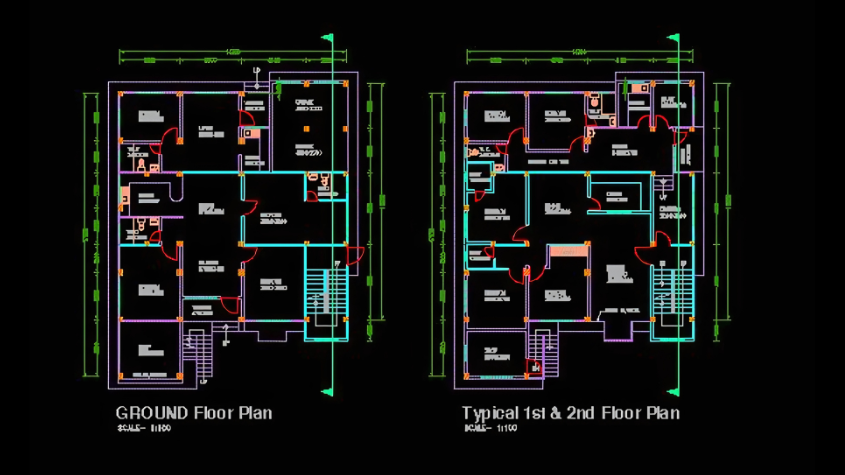
Best DXF Viewer
ACTCAD DXF Viewer offers cost-effective DXF viewing, editing, and compatibility with all formats, featuring converters, 2D drafting, 3D modeling, and perpetual.
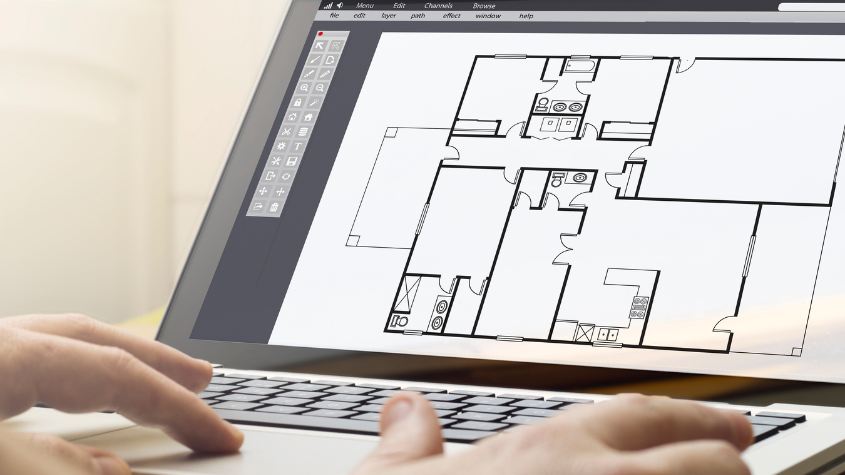
Best CAD Viewer
Explore the features and benefits of ACTCAD,This software allows users to view, edit, and print 2D and 3D designs without the need for expensive CAD packages.
Best DWG to PDF Converter
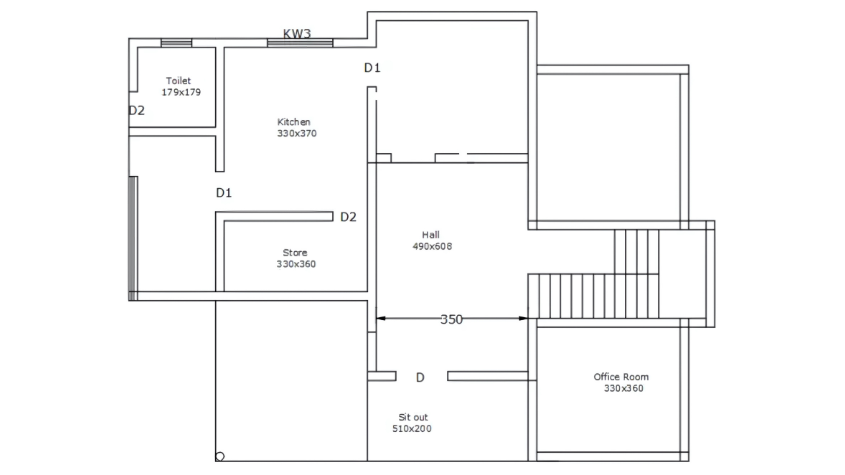
Learn how to convert DWG to PDF securely and efficiently. Explore online tools, CAD software, and ACTCAD solutions for professional and safe DWG file conversion
Best CAD Programs
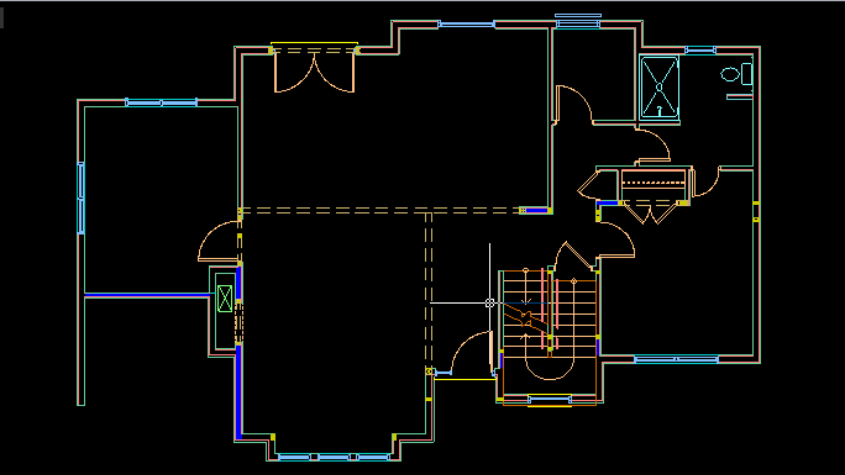
IntelliCAD is a leading CAD software for engineers. Learn about ACTCAD, Its affordable tools, 2D drafting, 3D modeling, and global licens
Best DWG Viewer
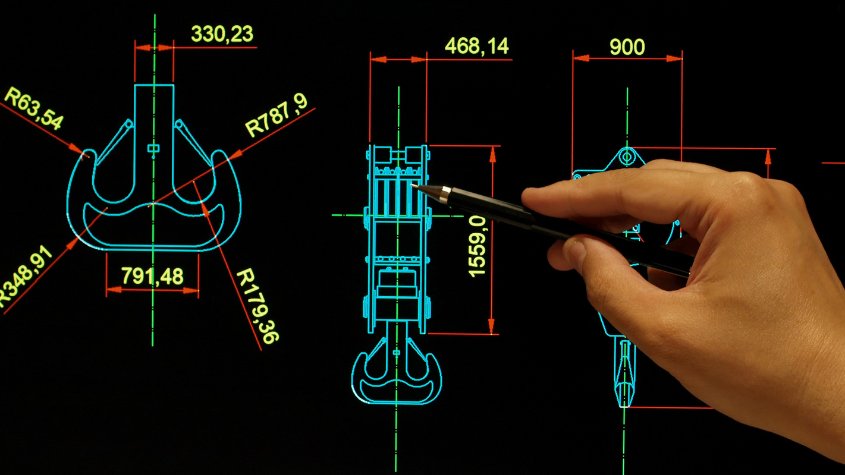
Explore the best DWG viewers in 2024, focusing on features like 2D/3D viewing, compatibility, layer management, and sharing option.

Best DWF Viewer
Discover the best DWF viewer to open and manage DWF and DFX files efficiently. Learn about ACTCAD's DWF Composer features, real-time pan & zoom & layer control.
Where can I buy CAD Software?
Learn how to buy the best CAD software with our detailed guide. Compare ACTCAD vs AutoCAD, evaluate key features, and find the right CAD software for your needs
IntelliCAD Milestones and Roadmap
Discover the key milestones in IntelliCAD's , from its early days to major releases like IntelliCAD 8.2. Learn how it evolved and why it's a key CAD Tool.
Best CAD Software for Professionals
Explore the best CAD software for professionals, highlighting key factors like performance, cost, and licensing. Learn why ACTCAD stands out among top CAD's
IntelliCAD History and Developments - Steady Growth
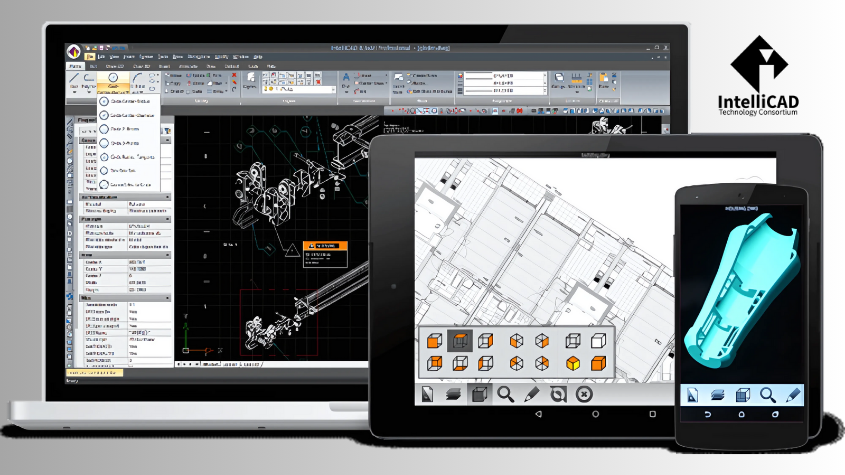
IntelliCAD, launched in the 1990s, evolved through ITC's efforts, partnering with ODA, enabling steady growth as a core CAD engine for diverse commercial member